Create Security Profile for X509-Based Authentication
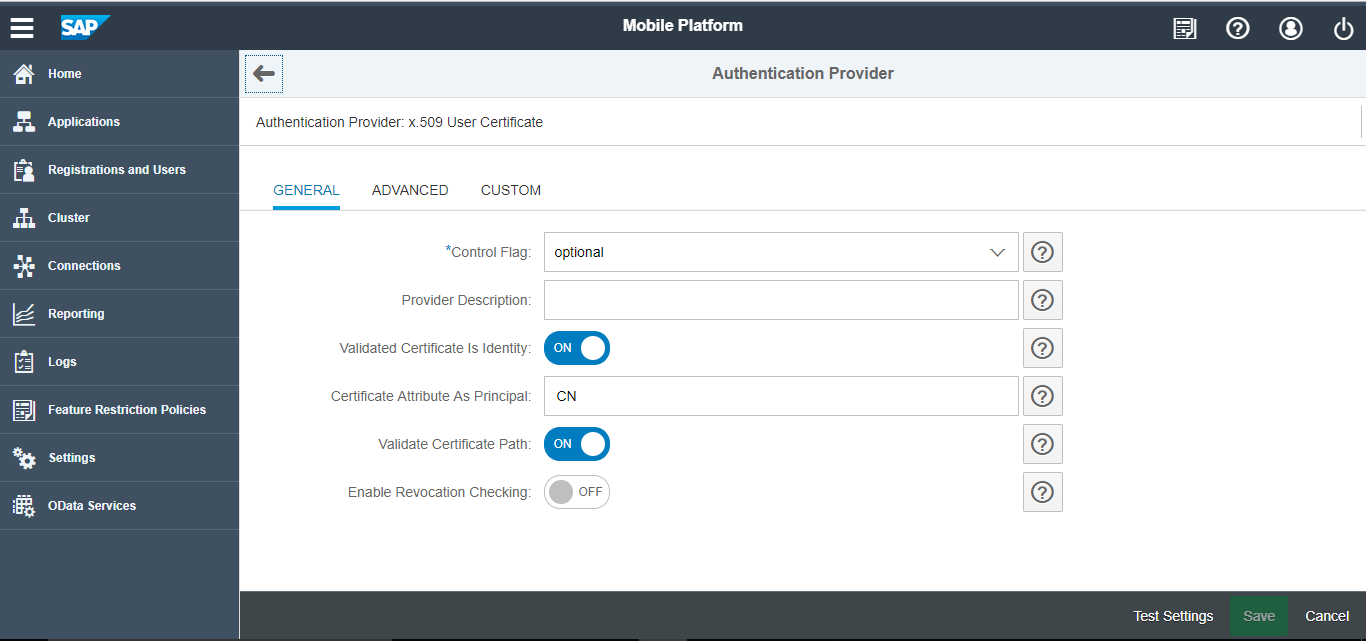
To create security profile for X509-based authentication:
- Select Authentication Provider as
x.509 User
Certificate and enter the following details.
Figure 1. x.509 Security Profile