Enable scan for transaction fields
You can enable Optical Character Recognition (OCR) and scan text, which includes numbers, alphabets, and alphanumeric text.
- Go to Searches or Extensions.
- Create a Search / Extension field with UI Field Type as OCR.
-
Click Save.
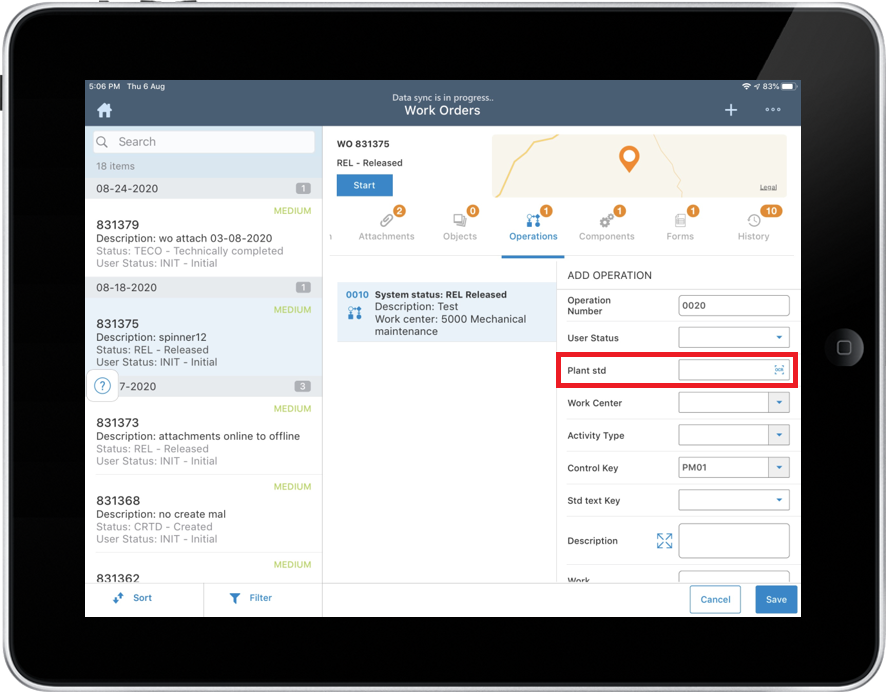
Login to application and navigate to the screen. The OCR field is displayed with
 icon. Tap the OCR
icon to scan and capture the data.
icon. Tap the OCR
icon to scan and capture the data.Figure 1. OCR field