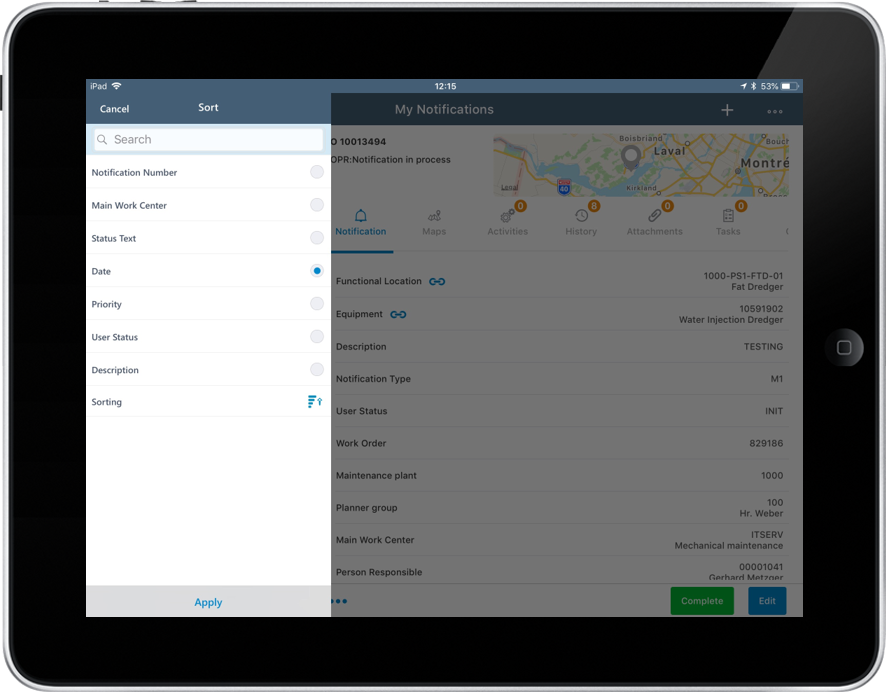
Sort Records
You can sort the records that appear on the left side section of the screen.
- Tap Sort in the left section.
- Under Sort, tap any of the sort criteria like Work Center, Priority, and Status.
-
Select the Sort Type using the Sorting
 icon.
icon.
-
Tap Apply.
Note:Application retains your sort criterion until you continue your work in the same module. For example, if you sort records in the Work Orders list and navigate to the Dashboard, the sort is cleared.
Figure 1. Sort Records