
Configure Reason for Movement for Offline Access
This configuration enables the Reason for Movement drop-down to function in offline mode.
To configure Reason for Movement drop-down offline functionality:
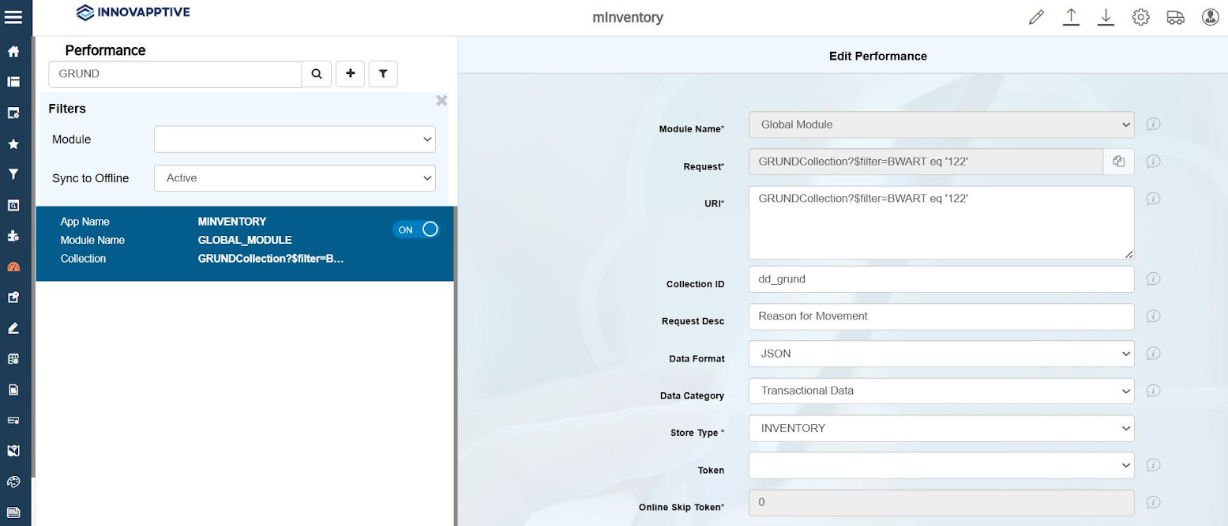
- Go to Performance menu.
- Search GRUND in the Search bar.
- Select the record from the list with the Collection name = GRUNDCollection.
-
In the Edit Performance screen, enter the following information:
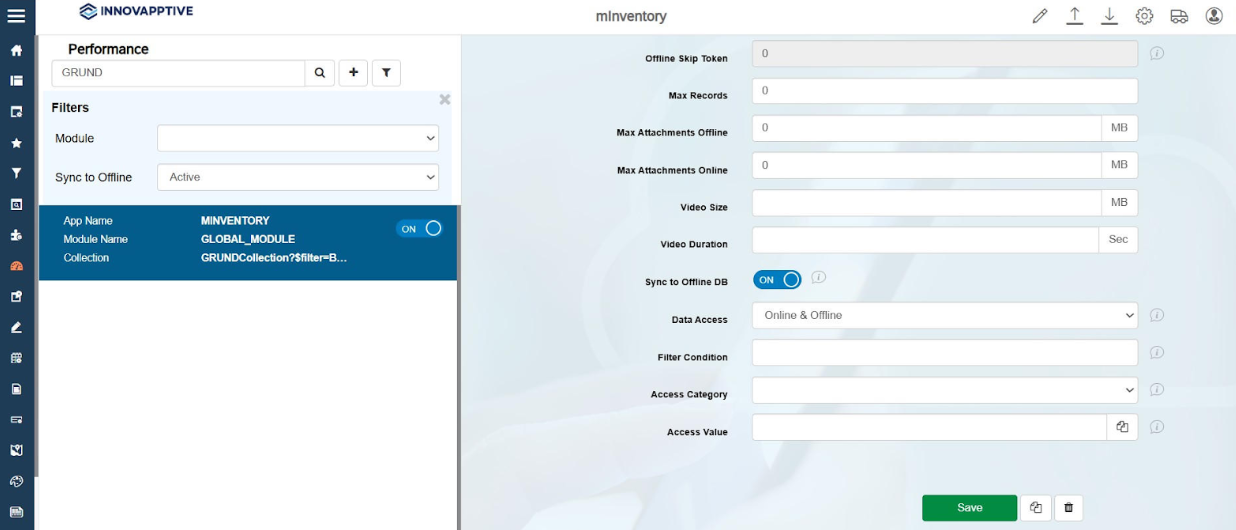
- Click Save.