
Configure Issue Slip Template
As an Admin or Supervisor, you can customize the Issue Slip template using OOTB fields. The Issue Slip template is linked to the corresponding Work Order template.
To configure an issue slip template:
- Expand the RACE module and click Field Configurations.
- Click Create on the top-right and select Create Manually.
-
In the Template Details screen:
- Select the Template Type as Issue Slip.
- Enter Template Name.
- Add Description.
- Select Plant.
- Add Tags.
- Click Next.
Figure 1. Issue Slip Template 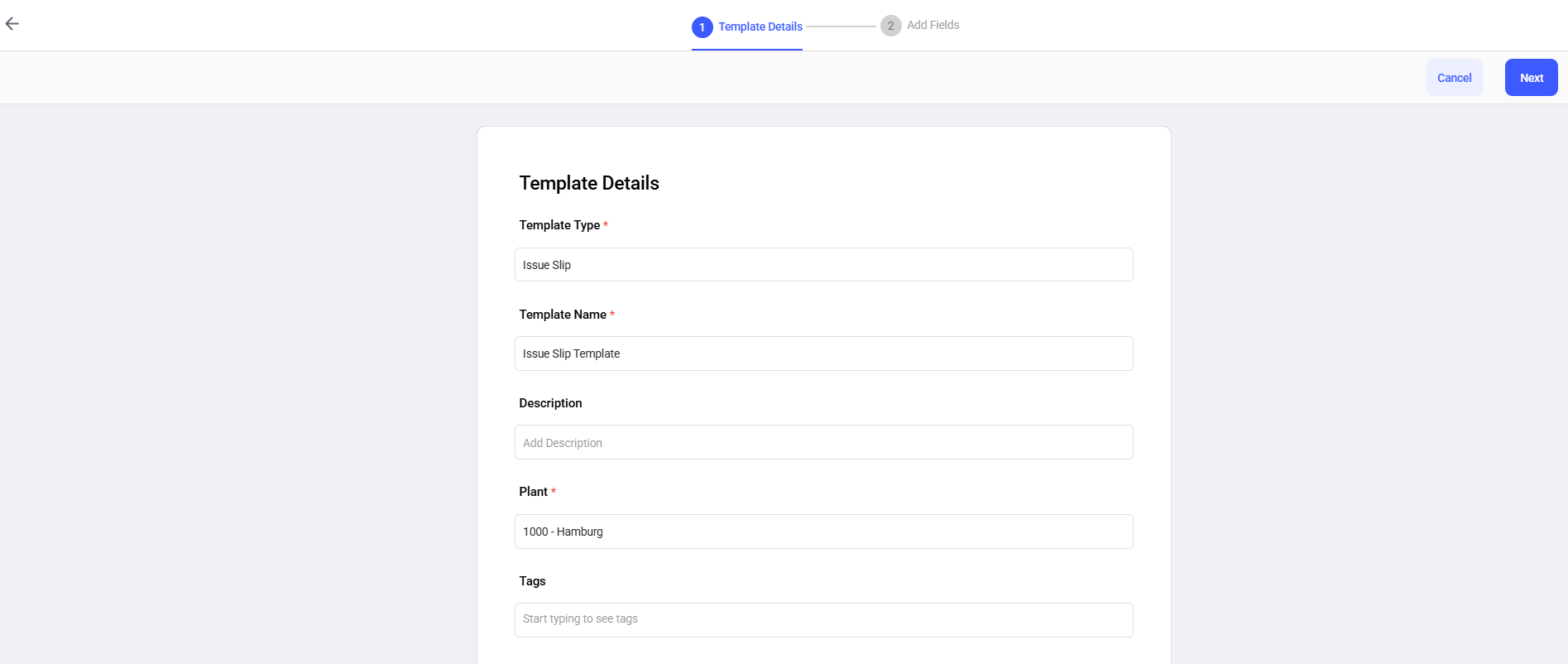
-
In the Add Fields screen:
- Add Sections and Tasks (fields) and define response
types (behavior) as shown in the table below.
Field Behavior Reservation Number Read Only Field Movement Type Read Only Field Plant Read Only Field Work Order Read Only Field Created Date Date & Time Response Email Text Goods Recipient Search Text
Figure 2. Issue Slip Template Fields 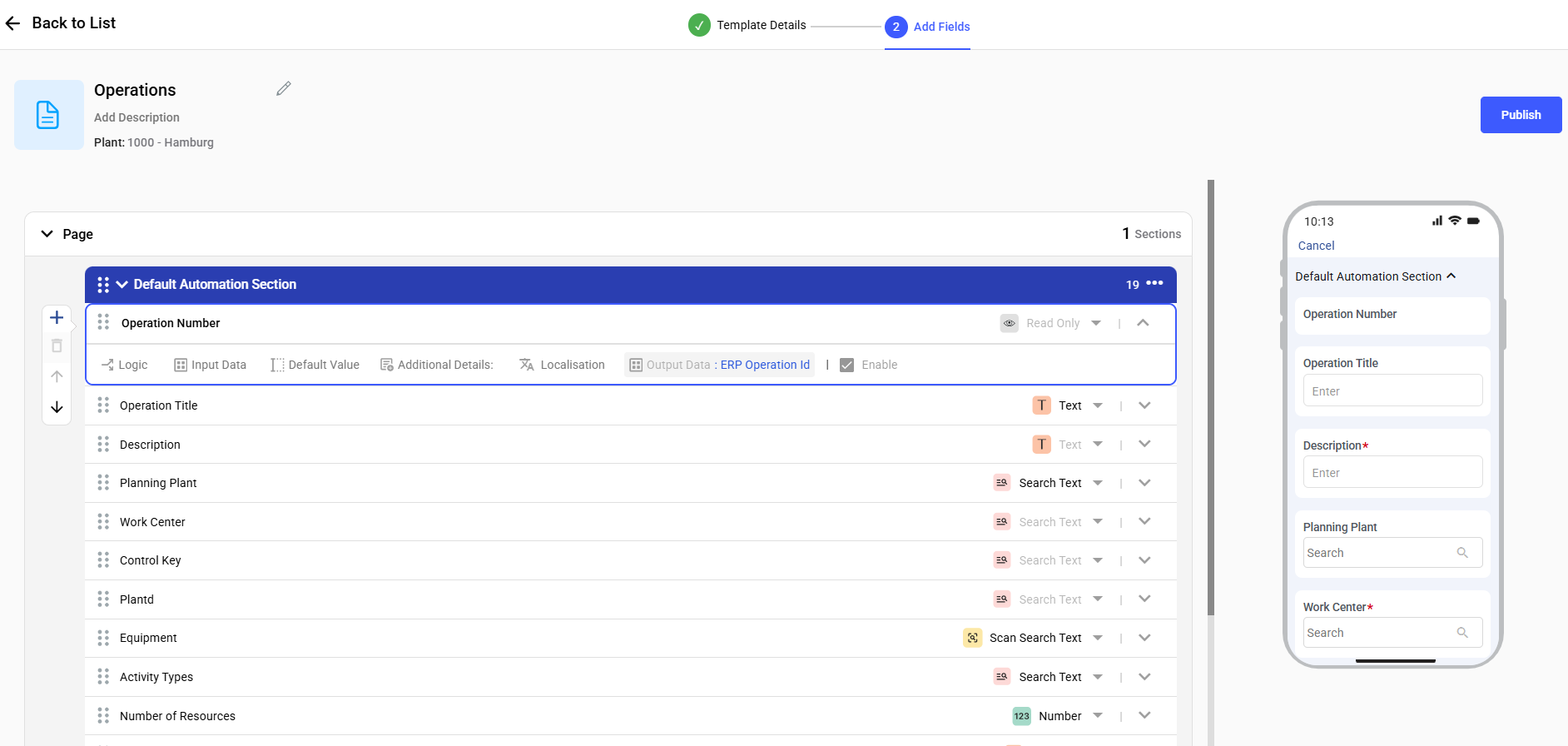
- Add Sections and Tasks (fields) and define response
types (behavior) as shown in the table below.
- Click Publish.