
Set Priority and Risk
Review the suggested risk and priority before adding operations so the work can be planned at the appropriate urgency.
The system automatically assesses the risk associated with each issue and assigns a risk level to the corresponding work order, so high-priority problems are addressed promptly.
-
Tap Priority to review or change it.
Note:Tap the References link below Priority to view the information the AI used to determine the priority.
Figure 1. Update Priority 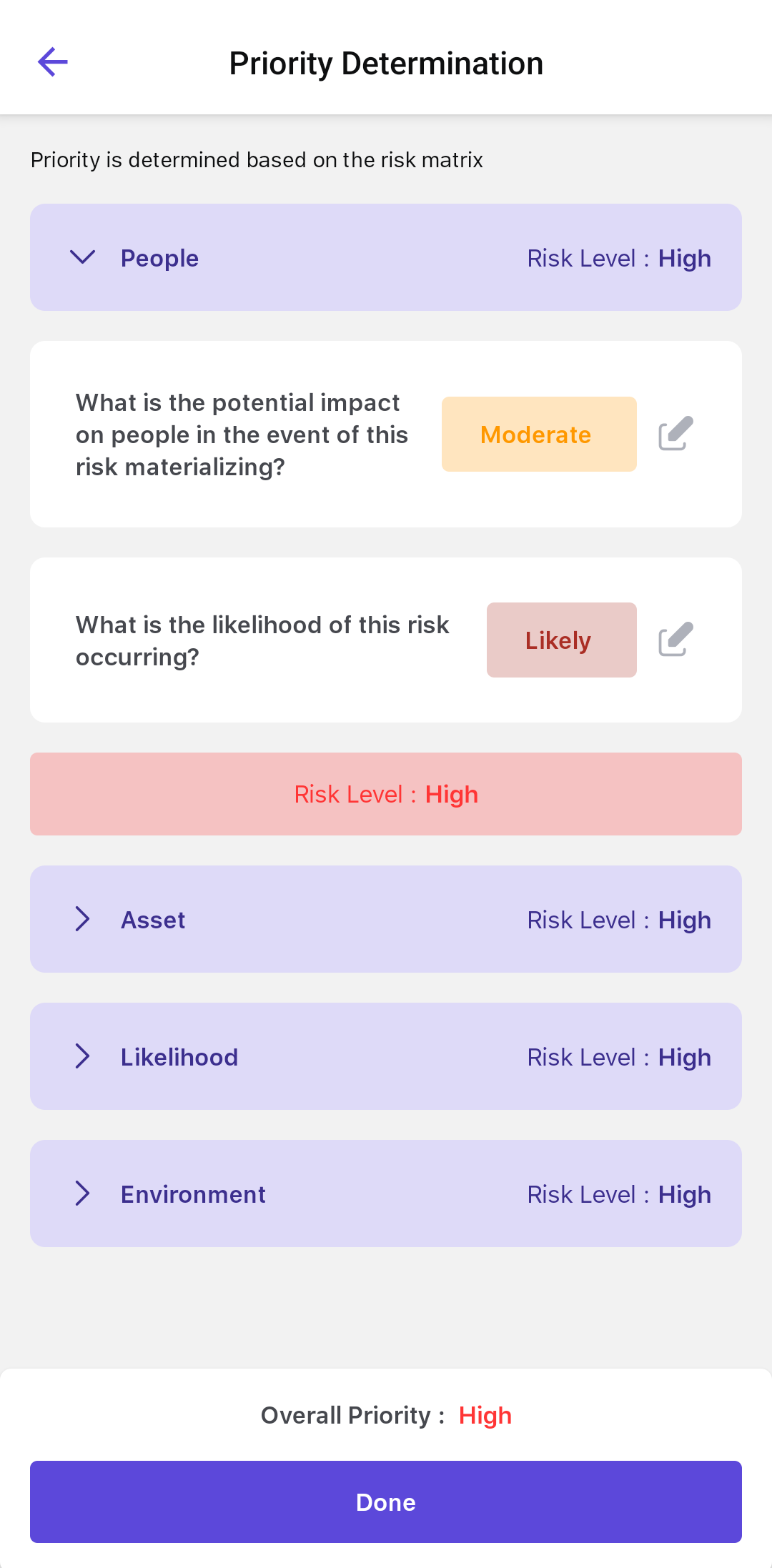
The work order uses the confirmed priority and risk values. Next, add operations from a task list or add them manually.
Note:
You can manually select Priority instead of using the Risk Assessment Matrix when the option is available.
Next: