
Add Supporting Personnel
Add additional personnel to the operation if the permitted work requires them.
Role: Permit Holder / Technician. Platform: iMaintenance Mobile.
-
If additional personnel are required for support, choose one of the
following options:
- Add: Add personnel to the operation.
- Skip: Proceed without adding personnel.
- Cancel: Cancel the request.
Figure 1. Add personnel 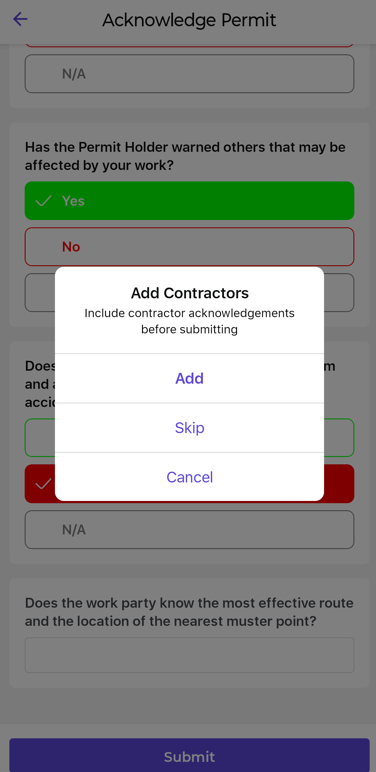
The selected personnel details are added to the operation, or the optional step is skipped.