
Choose Language
Select the supported language and regional formats used by the application.
Select the application language from User Preferences. The available languages depend on the currently selected plant.
To choose a language:
-
Tap Save to save the preferred language.
Figure 1. User Preference Screen 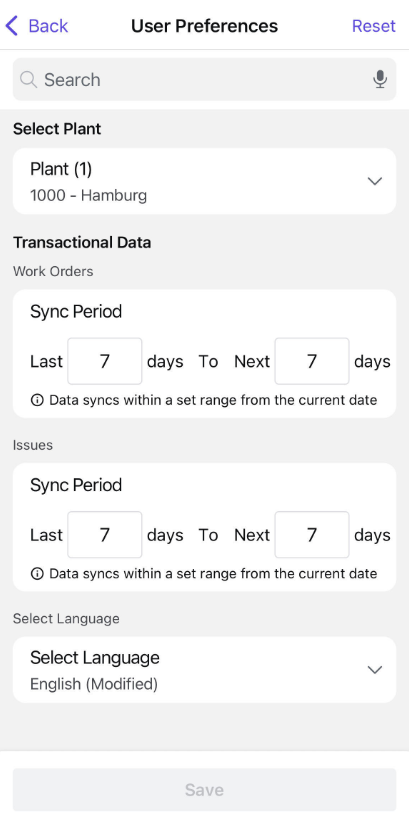
The application displays supported labels, messages, and regional formats using the selected localization settings.