
Modify a Scheduled Round Plan
Modify a future schedule when shift timing, assignment, frequency, or operational requirements change. Review the effect on future generated rounds.
To modify the schedule of a round:
-
Click
 and select Modify
Schedule for the scheduled round to modify.
and select Modify
Schedule for the scheduled round to modify.
-
A message appears saying Schedule updated successfully. The changes will take
effect during the next round generation cycle.
Newly generated rounds will appear in the Rounds screen within up to one hour.
Note:If a round plan has task-level sub-tasks, any new conditional logic, such as Ask Tasks/Questions, is automatically added at the task level while modifying the plan.Figure 1. Modify Schedule 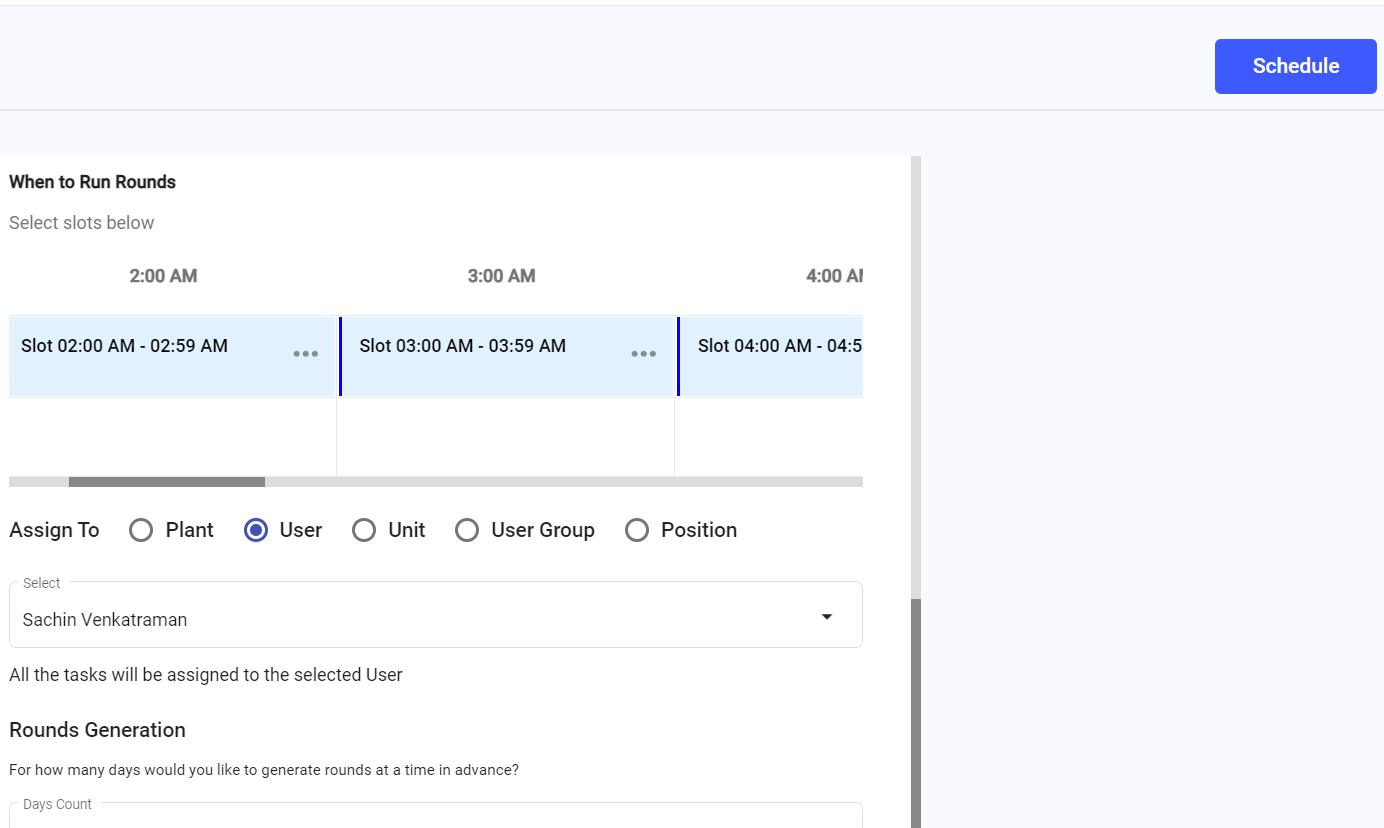
The updated schedule is saved.
Next:Monitor future generated rounds under the updated schedule.