
Log in to iPermits Web Application
Sign in to the iPermits Web application with the Email address and Password provided by your organization, or with single sign-on (SSO).
-
Click Sign In to access the home page.
Figure 1. Sign In 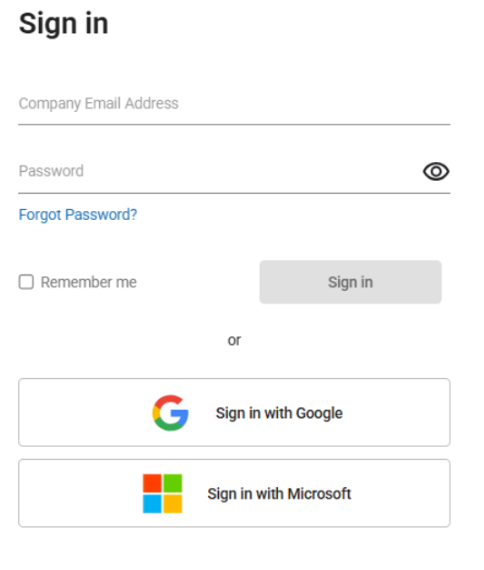
The iCWP EHS home page opens with the actions available to the authenticated user.
Open the Web screen that contains the permit, JHA, monitoring, or administration action assigned to your role.
Next: identify the Web screen used for your assigned action.