
Surrender the Permit
Once the permitted work is complete, surrender the permit to release it back to the Issuer.
Role: Permit Holder / Technician. Platform: iMaintenance Mobile.
Surrendering hands the permit back once work is finished. It moves the permit toward closure but does not close it — closure is performed by the Issuer. See Close the Permit on Web or Close the Permit on Mobile.
-
Tap Confirm to surrender the permit.
Figure 1. Surrender the Permit 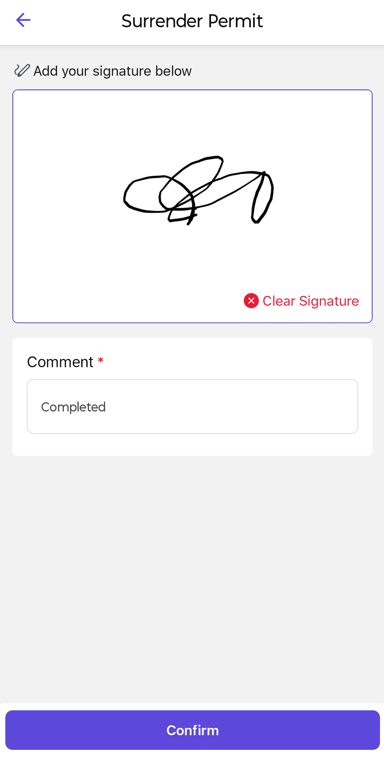
The surrender action is recorded and the permit returns to the Permit Issuer for closure.
Next: The Permit Issuer reviews and closes the surrendered permit.
For surrender within the work-order journey, see Surrender the Permit in the iMaintenance User Guide for Technicians.