Configure Kitting Performance Dashboard
This configuration allows warehouse supervisors to view real-time kitting performance/metrics, including job counts, kitting completion percentages, backlog status, material values, and issue/return rates in the Kitting Dashboard.
To configure kitting performance dashboard:
-
Click the Add
 icon next to the
search field and click Create Screen.
icon next to the
search field and click Create Screen.
-
Click Create.
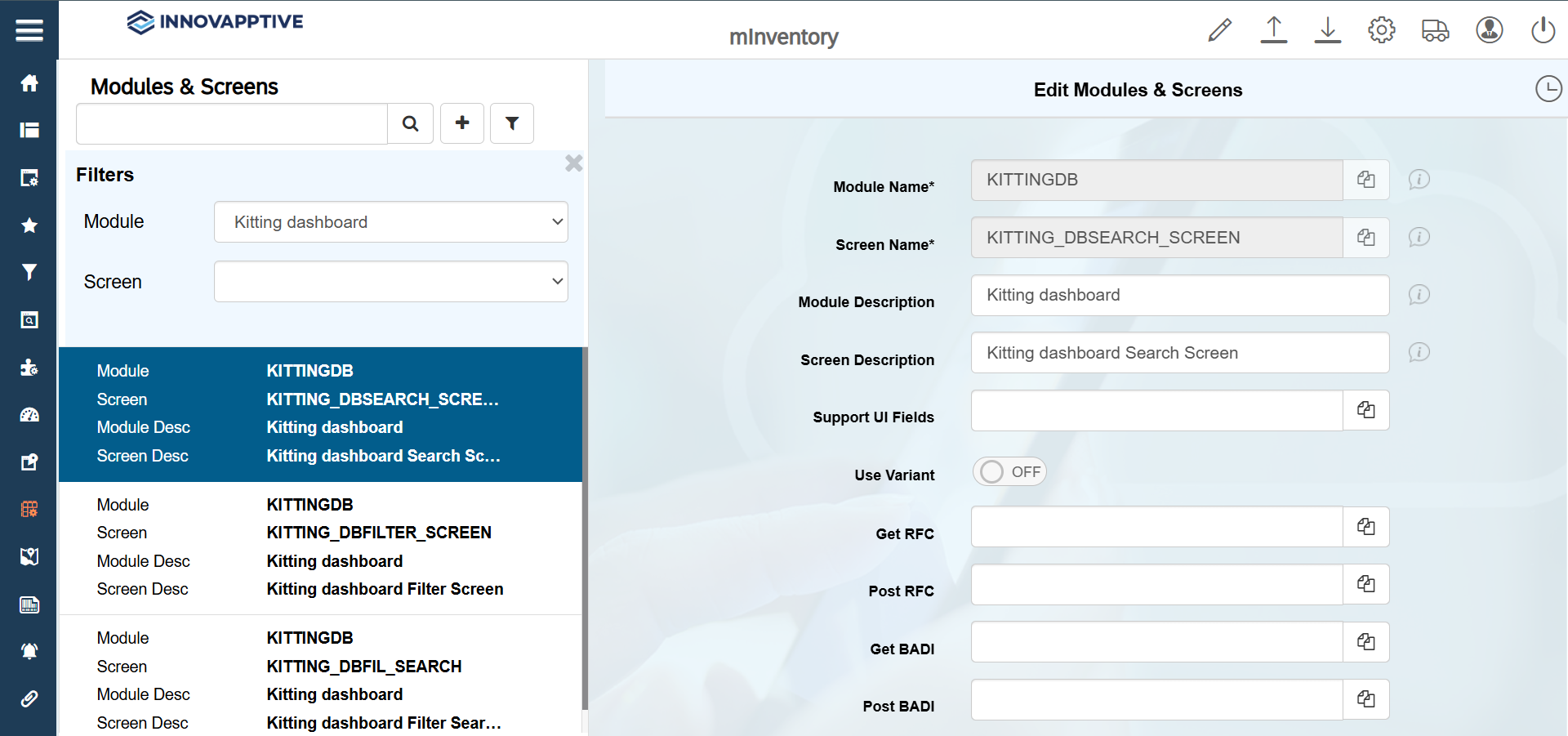
-
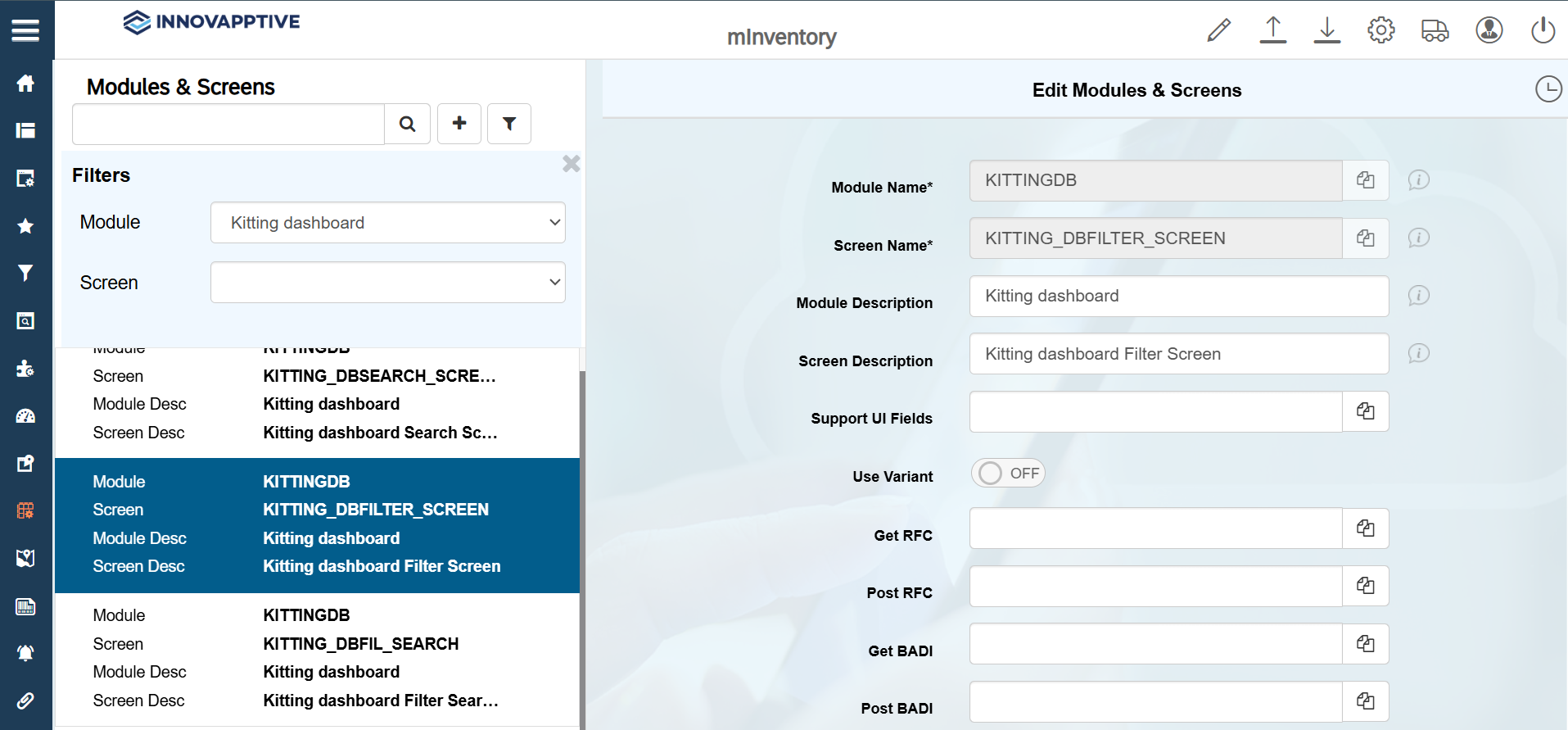
Select the record with Screen name = KITTING_DBFILTER_SCREEN and
make the following changes.