
Familiarize yourself with the mInventory RACE™ UI
Understanding the mInventory RACE™ dashboard helps you do your tasks faster.
-
From the Dashboard, select the mInventory application.
Figure 1. RACE™ Home Page 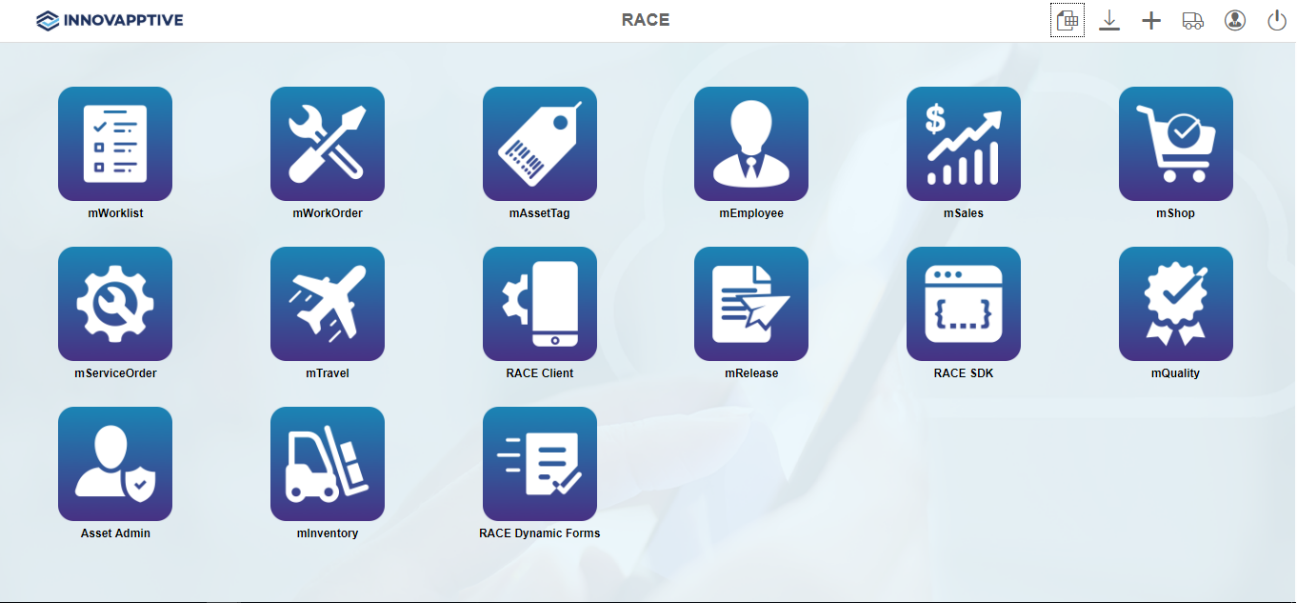 RACE™ for mInventory configuration panel appears with the following options:
- Modules and Screens
- Scoping
- Dynamic Searches
- Defaults
- Extensions
- Filters
- Performance
- Localization
- Postings
- Screens
- Barcode Layout
- Attachment Config