
Add Forms
Forms play a crucial role in ensuring that maintenance tasks are completed accurately, safely, and in compliance with regulations. By attaching standalone forms—such as checklists, emergency inspection reports, and risk assessment forms—to Work Orders, Supervisors can standardize data collection and improve record-keeping.
- Standardized Data Collection: Ensures all necessary details are captured consistently.
- Improved Compliance: Helps meet safety and regulatory requirements.
- Enhanced Accuracy: Reduces errors by guiding technicians through predefined steps.
- Better Documentation: Maintains a clear record of inspections, risks, and
completed tasks.
A Work Order for servicing a high-voltage electrical panel can contain the following forms:
- Pre-Maintenance Safety Checklist: Confirms safety precautions (for example, power shutoff, PPE usage).
- Emergency Inspection Form: Documents any unexpected hazards found during the service.
- Risk Assessment Form: Evaluates potential risks and necessary mitigation measures.
By adding forms, Work Orders become more structured, improving safety, accuracy,
and overall maintenance quality.
Note:
Forms are automatically
assigned to Work Orders based on Equipment, Functional Location, Task List,
Maintenance Plan, or Order Type.
To add forms to the work order:
-
In the Forms tab, tap the Add
 icon on the right side.
- In the Select Forms screen, select the relevant form and tap Confirm.
-
Add attachments to the form by tapping the attachment option within the
form. These attachments are automatically included in the PDF when the form is
submitted.
Note:
- Attachments added to forms are linked to the form itself and are not stored separately under the Work Order GOS/DMS.
- When updating a work order, the forms in Drafted or Submitted status remain visible in a checked and disabled state. This ensures that they cannot be modified or removed
Figure 1. Add Forms 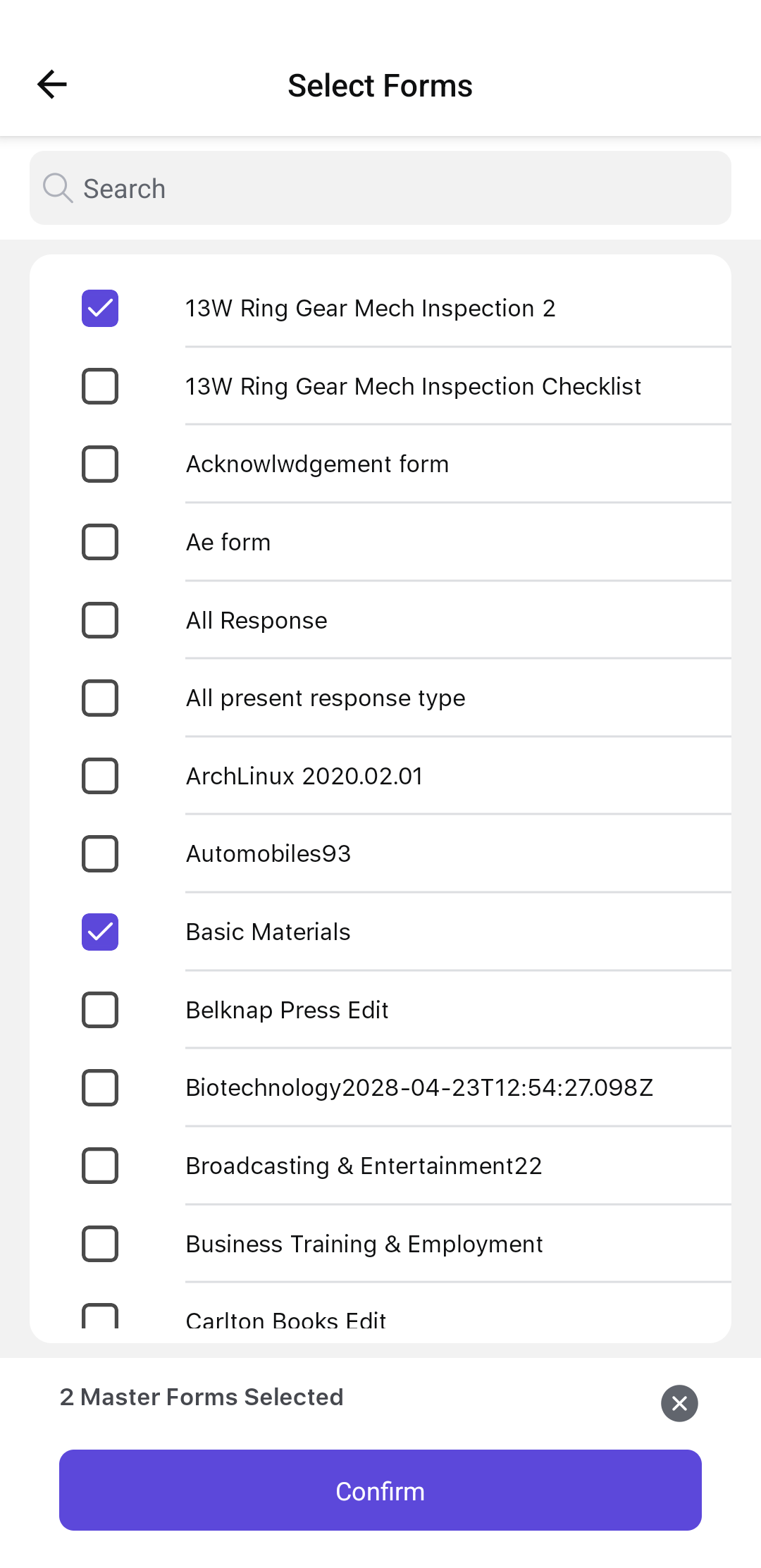
In the Forms screen, you can tap the More icon and select,- Duplicate to duplicate the form.
- Remove to delete the form from the work order.