Activate Linea Pro Scanner
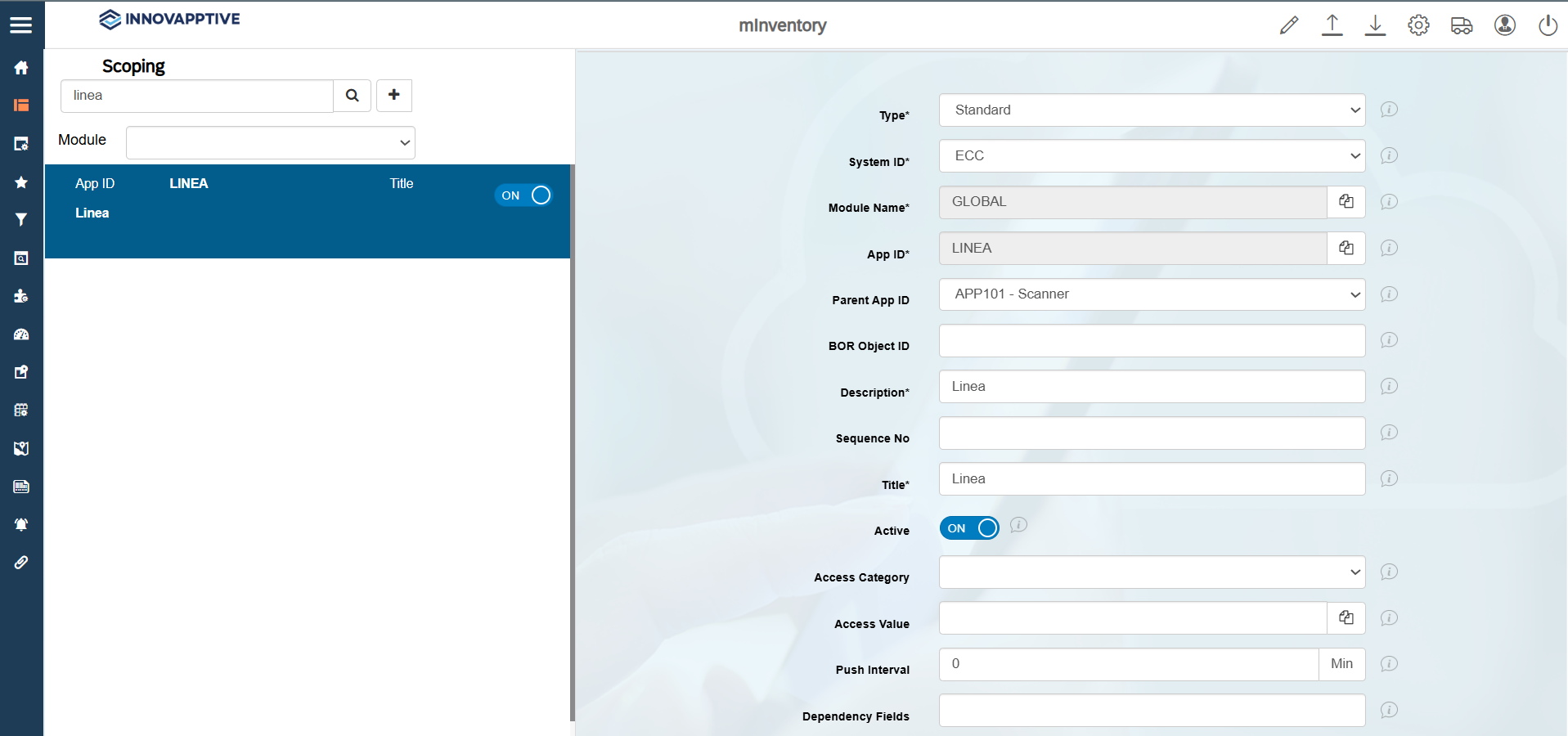
This configuration allows you to activate the Linea Pro Scanner, which enables you to connect the scanner to an iOS device.
To configure the Linea Pro Scanner:
- Click Scoping on the left panel.
- Search linea in the Search bar.
- Select the scoping with the APP ID name = LINEA.
- Select ON in the Active field.
-
Click Save.