
Configure Socket XG940 Scanner
This configuration allows you to connect the Socket XG940 Scanner to an iOS device.
To configure the Linea Pro Scanner:
- Click Scoping on the left panel.
- Click the Create button next to the Search bar.
-
In the Create Scoping section on the right-side, enter the following
details:
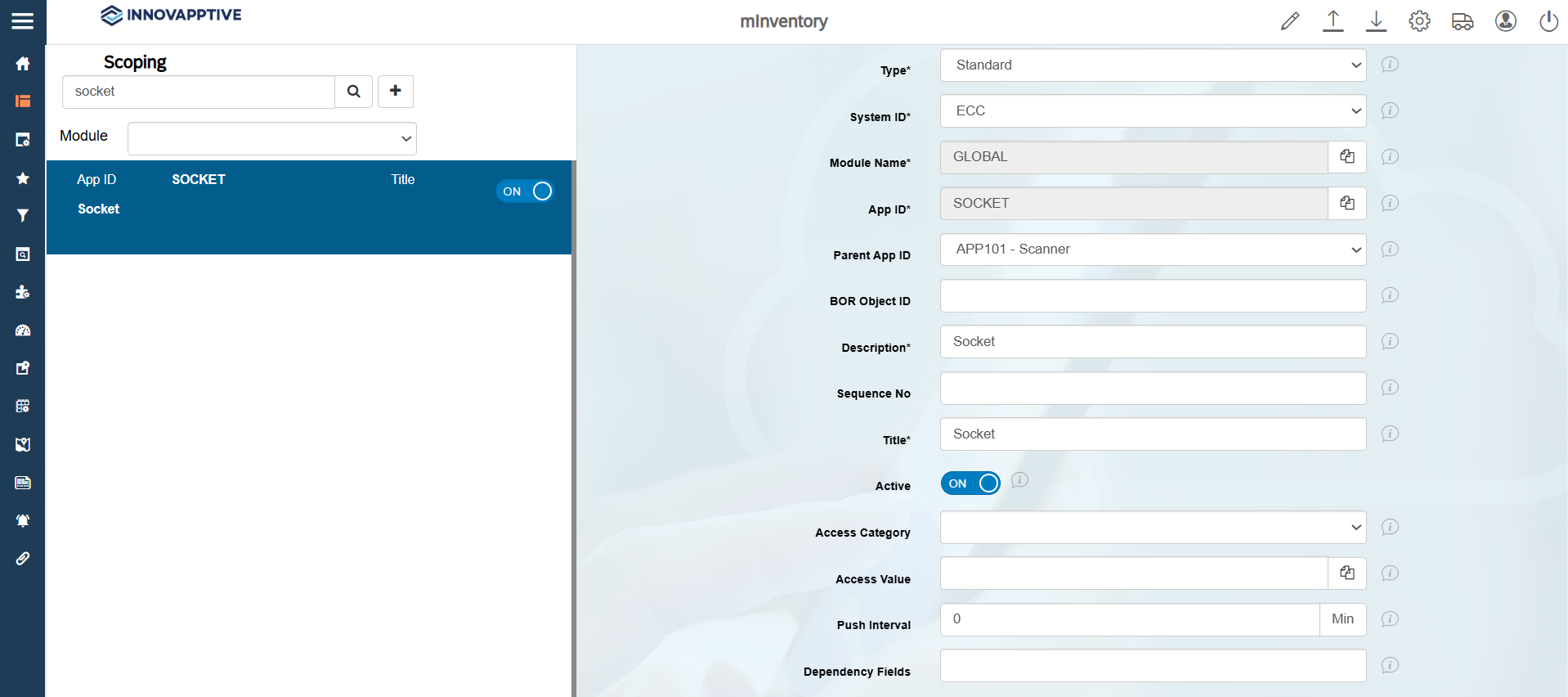
- Click Save.