
Configure Kitting Performance Dashboard
This configuration allows warehouse supervisors to view real-time kitting performance/metrics, including job counts, kitting completion percentages, backlog status, material values, and issue/return rates in the Kitting Dashboard.
To configure kitting performance dashboard:
- Click Modules and Screens on the left panel,
-
Click the Add
 icon next to the
search field and click Create Screen.
icon next to the
search field and click Create Screen.
-
In the Create Modules & Screens section, enter the following
information:
Field Description Module Name KITTINGDB Screen Name KITTING_DBSEARCH_SCREEN Module Description Kitting dashboard Screen Description Kitting dashboard Search Screen -
Click Create.
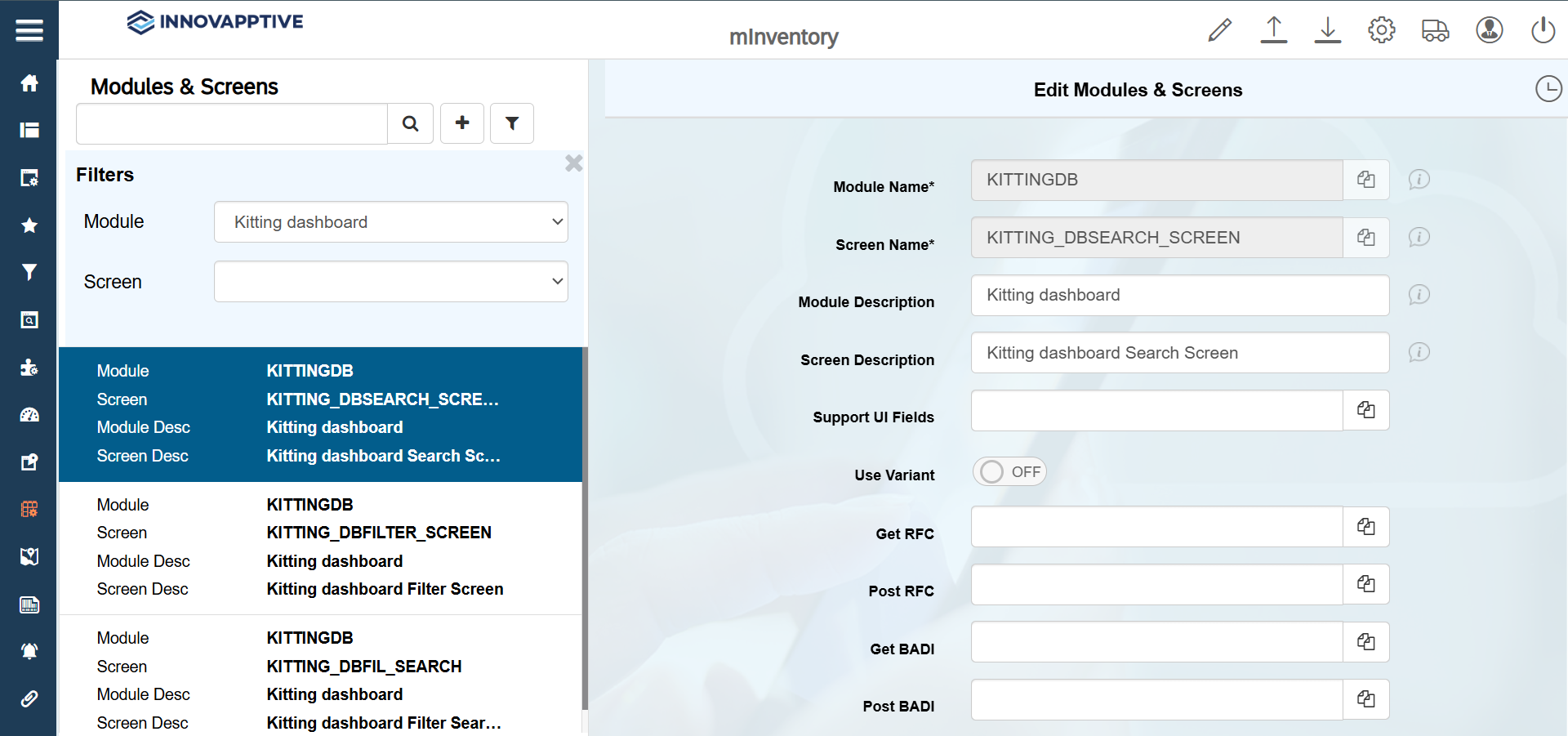
- Configure UI Field Types, such as DBPI, DBBC, DBCV, and DBDV required for KPIs. For more information, see Configure UI Field Types.
- Configure the search results. For more information, see Configure KPI Search Results Screen.
-
Select the record with Screen name = KITTING_DBFILTER_SCREEN and
make the following changes.
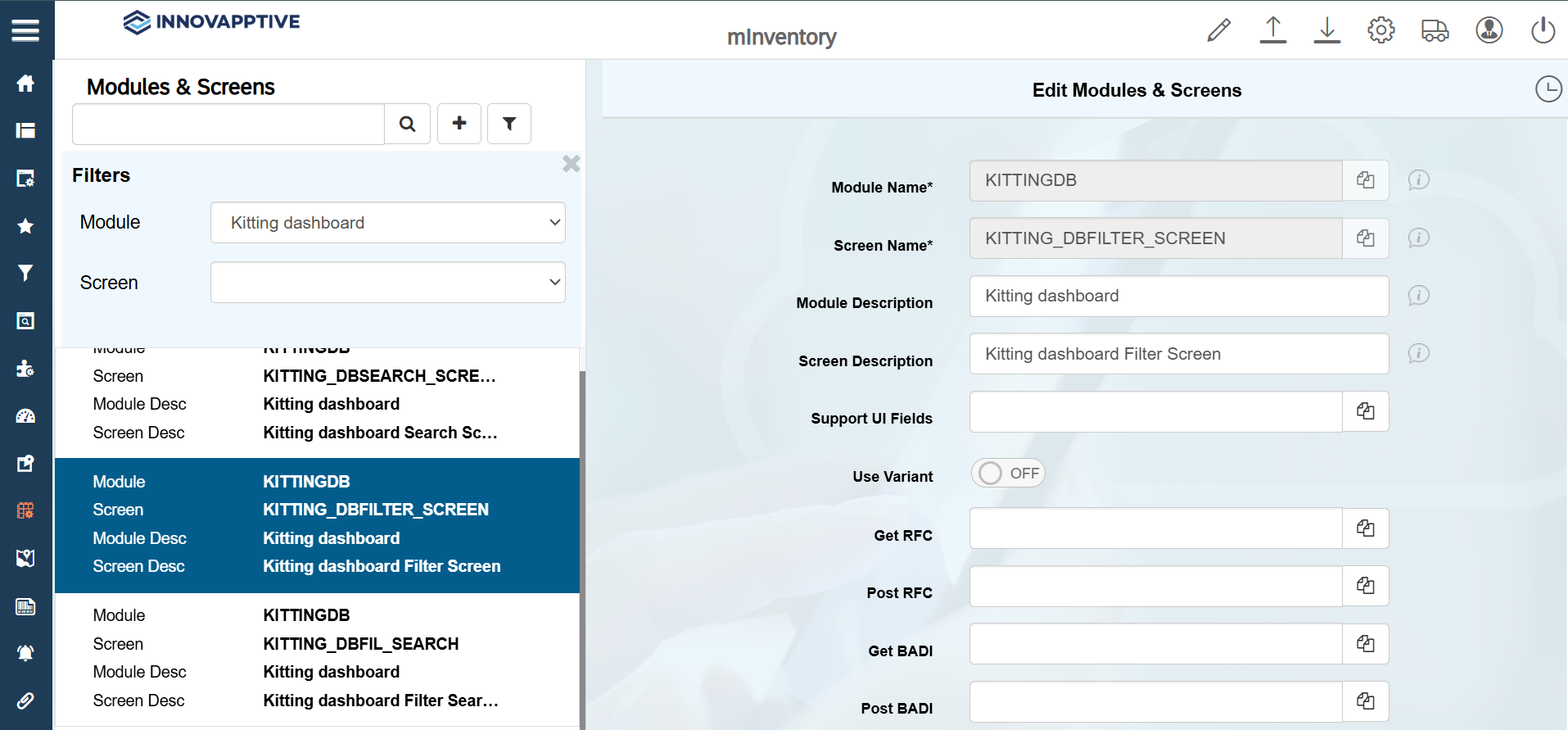
- Configure and enable the KPP00 scoping ID to get the dashboard. For more information, see Create Scoping ID.