
Access Digital Work Instructions
-
Tap on DWI at the bottom to navigate to the Digital Work Instructions
(DWI) module.
By default, it opens the All tab, where you can see all the work instructions available.Note:On a specific work instruction tile, tap the star icon to save the work instructions in your favourites.
- Tap the In-Progress tab to view work instructions that are in progress.
- Tap the Favourites tab to view work instructions you have added to favourites.
-
Tap the Recently Added tab to view work instructions added to the
repository recently.
Figure 1. DWI Module 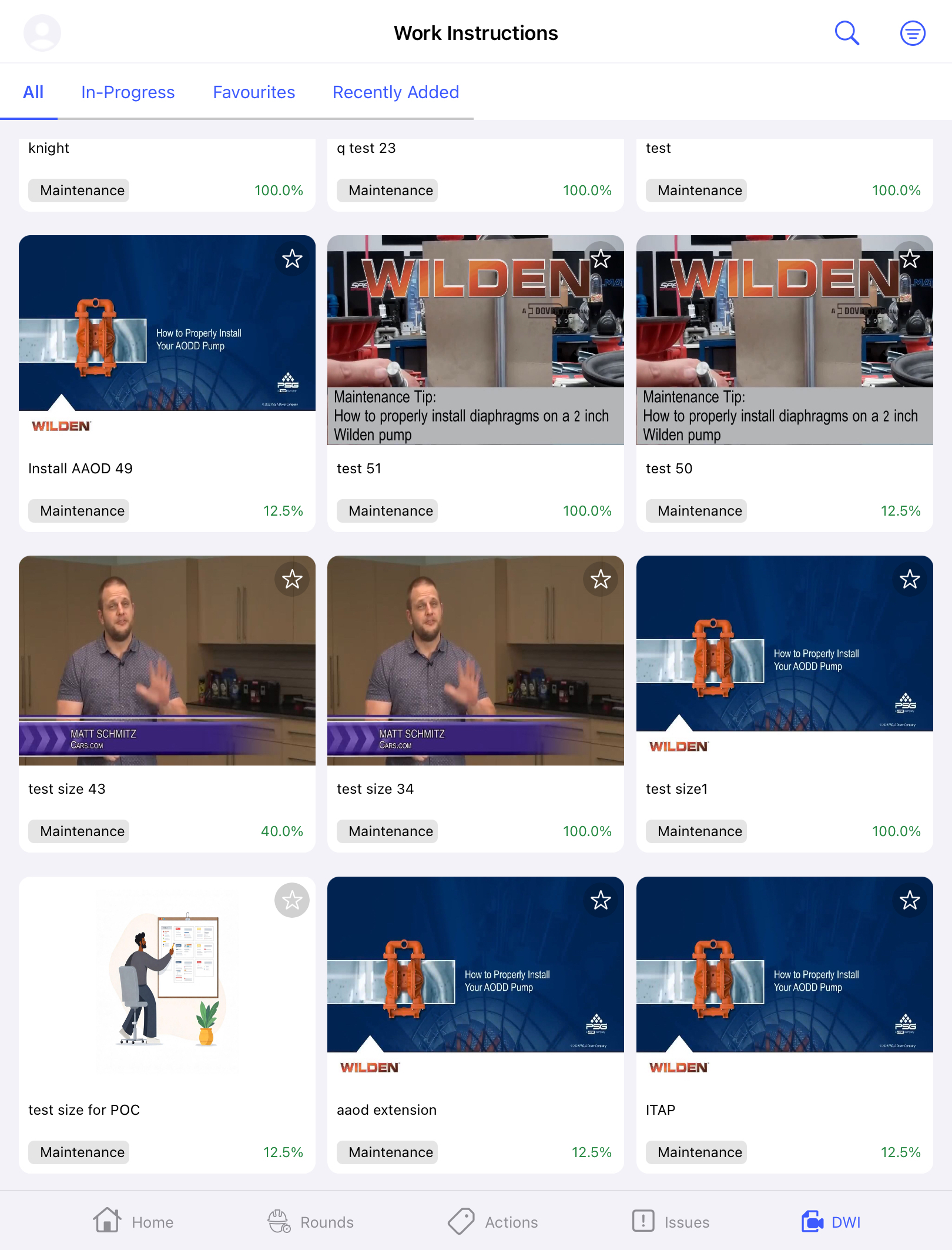
- Tap the Download tab to view the downloaded work instructions.
- Tap the Search icon to search for a particular Work Instruction.
-
Tap the Filter icon to filter work instructions on the basis of
Category and select Apply to save the filter. Filters fetch
and display Work Instructions based on:
- My Rounds
- Open Rounds