
Review Instructions Feedback
Review feedback provided on work instructions to identify improvements and suggestions.
To review instructions feedback:
-
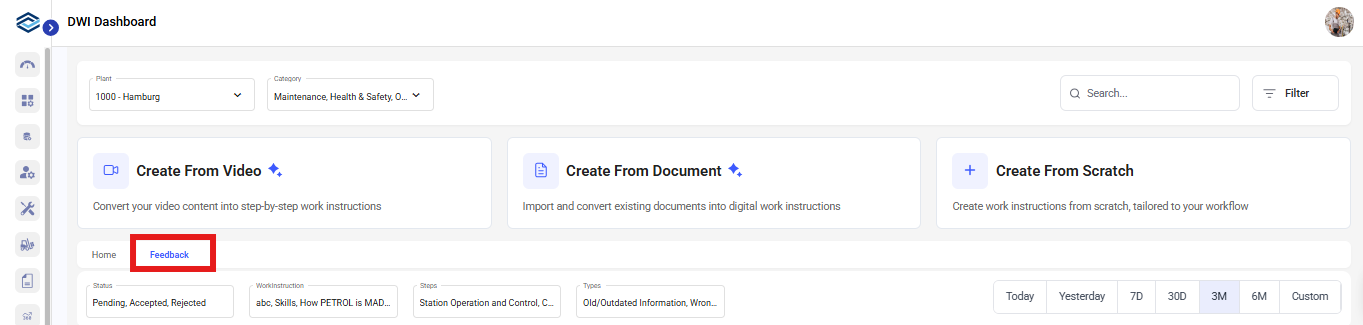
In the Work Instructions screen, click the Feedback tab.
You can view a complete list of feedback provided for the published instruction, and not the previous versions, if any.OrYou can open the work instruction, click Proceed, click More and select Feedback.
OrYou can open the work instruction, click Proceed, click More and select Feedback. - Select feedback from the list to navigate to the corresponding instruction.
- Review the feedback and accept or reject it as needed.