
Create a Shift
Create a shift for a plant and define its start time, end time, and active status.
To create a shift:
-
Click Create.
Figure 1. Create Shift 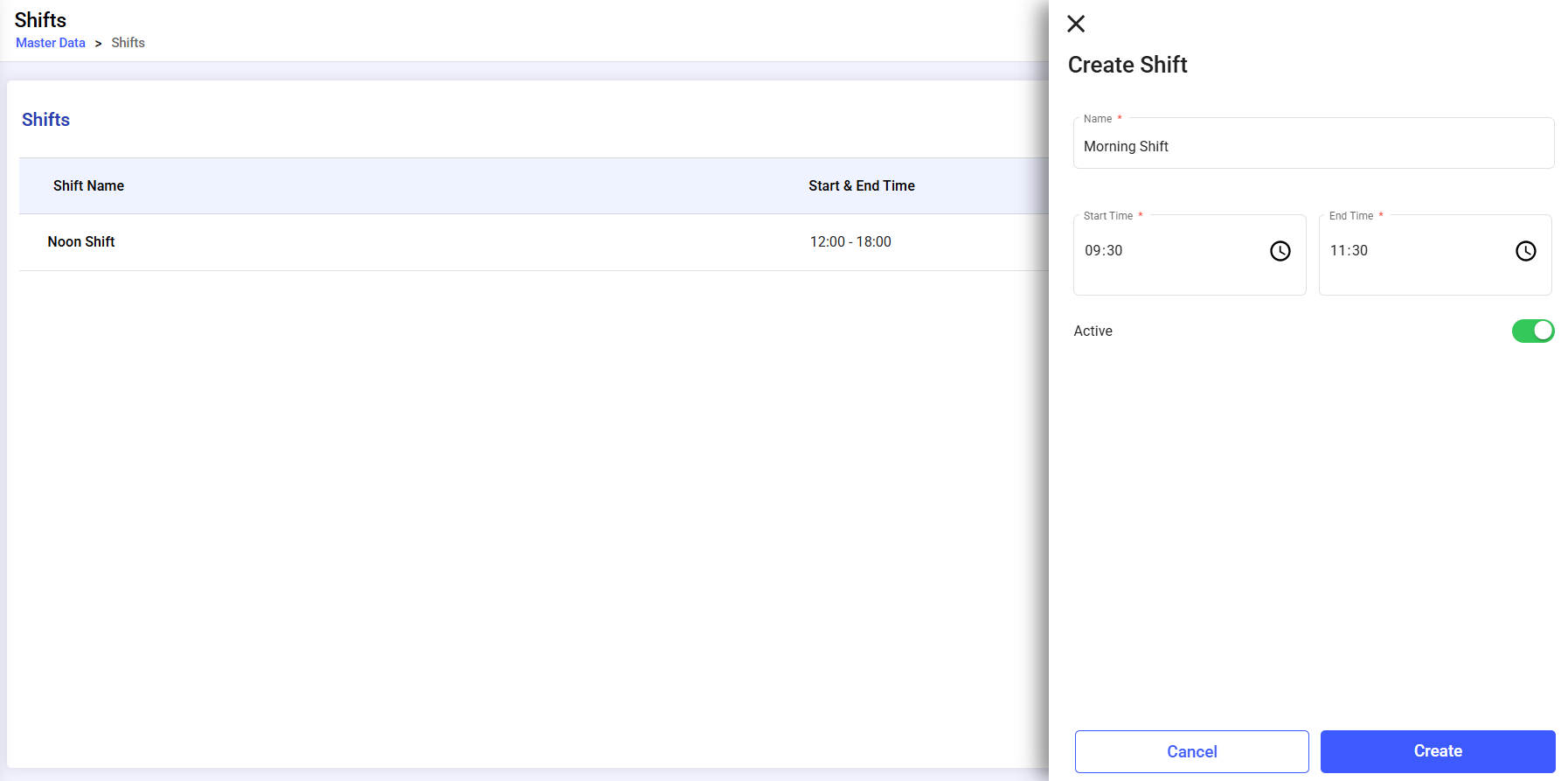
Create a shift for a plant and define its start time, end time, and active status.
To create a shift: