
Change Priority with Risk Matrix
Evaluate an Issue with the risk matrix and apply the resulting priority.
To change priority:
-
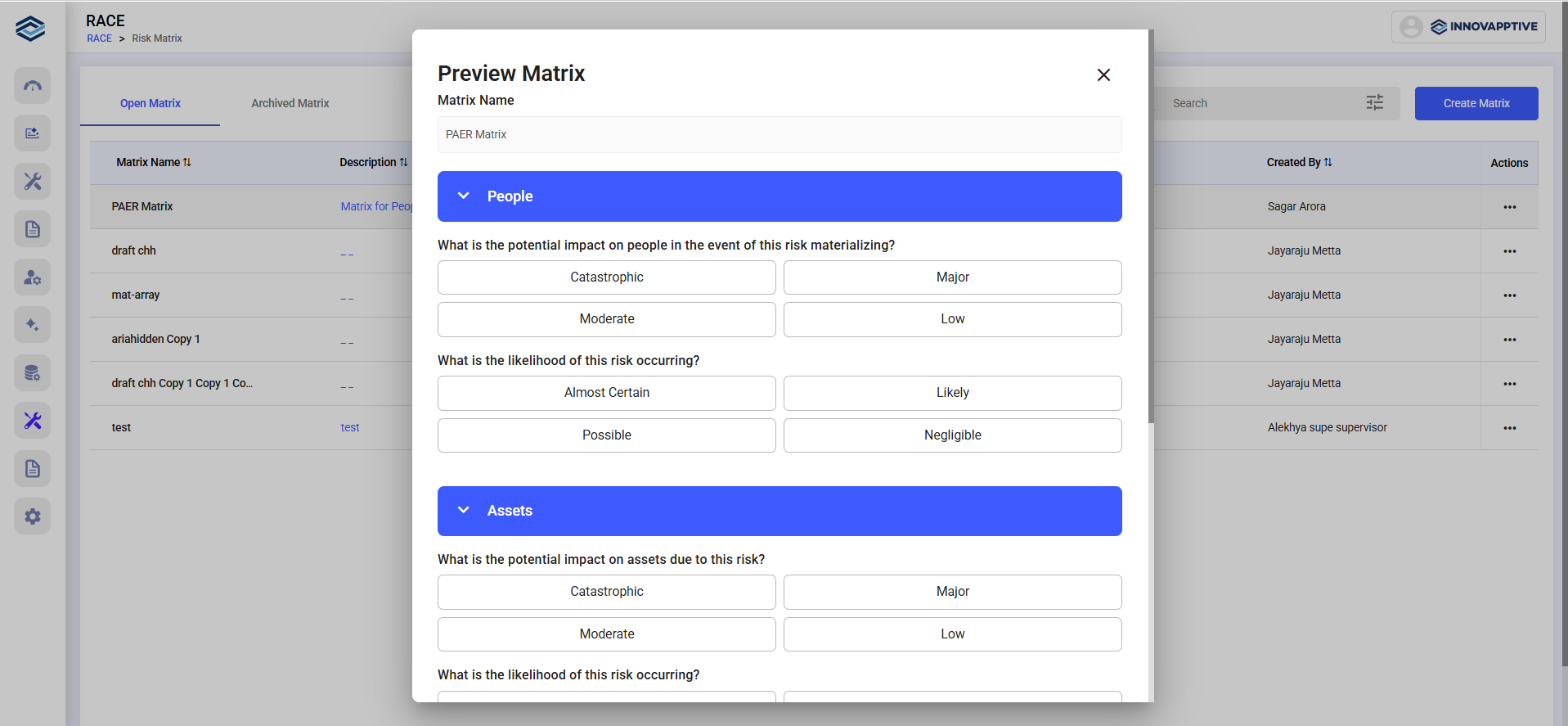
In the Preview Matrix window:
- Select values across four categories:
- People
- Assets
- Environment
- Likelihood
- Each category includes questions to evaluate risk level.
- Select values across four categories: