
Raise a Isolation on Web
Create a new Isolation Control Certificate (ICC) from a predefined template and provide the required isolation details and plan.
Role: ICC Owner. Platform: Web.
Use this procedure to create a new ICC based on a predefined template. During this process, provide the required isolation details, define the Isolation Plan, and submit the ICC for review.
To raise a ICC:
-
Go to the Request tab and click Request Received.
Figure 1. Isolation Request 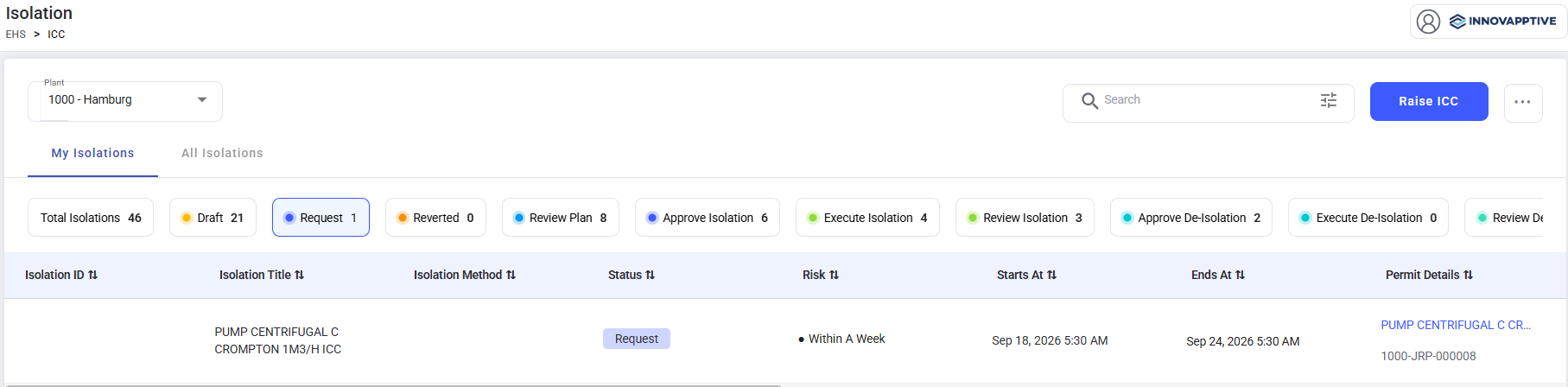
-
Provide the required details in the ICC Details screen:
- Functional Location - Select the location where the work is to be performed.
- Equipment - Select the equipment associated with the work, if applicable.
- Activity Description - Specify the activity or task for which the ICC is being created
Figure 2. Raise ICC 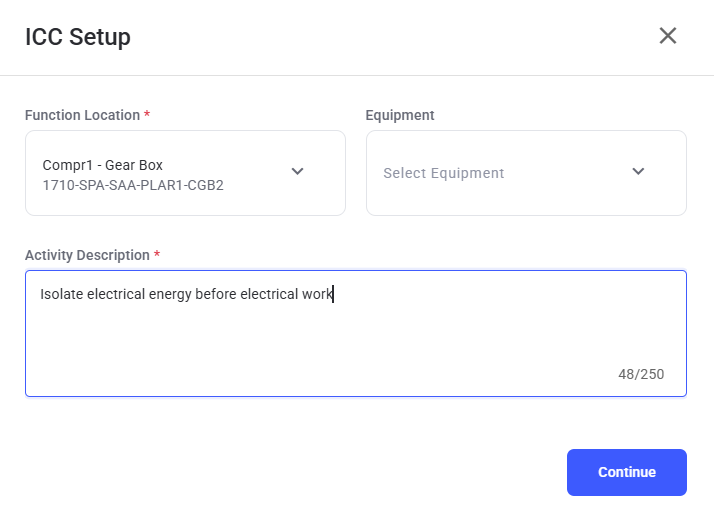
-
Review the entered information and do one of the following:
- Click Save to Draft to save the ICC and complete it later.
- Click Submit to submit the ICC for review.
Figure 3. Isolation Form 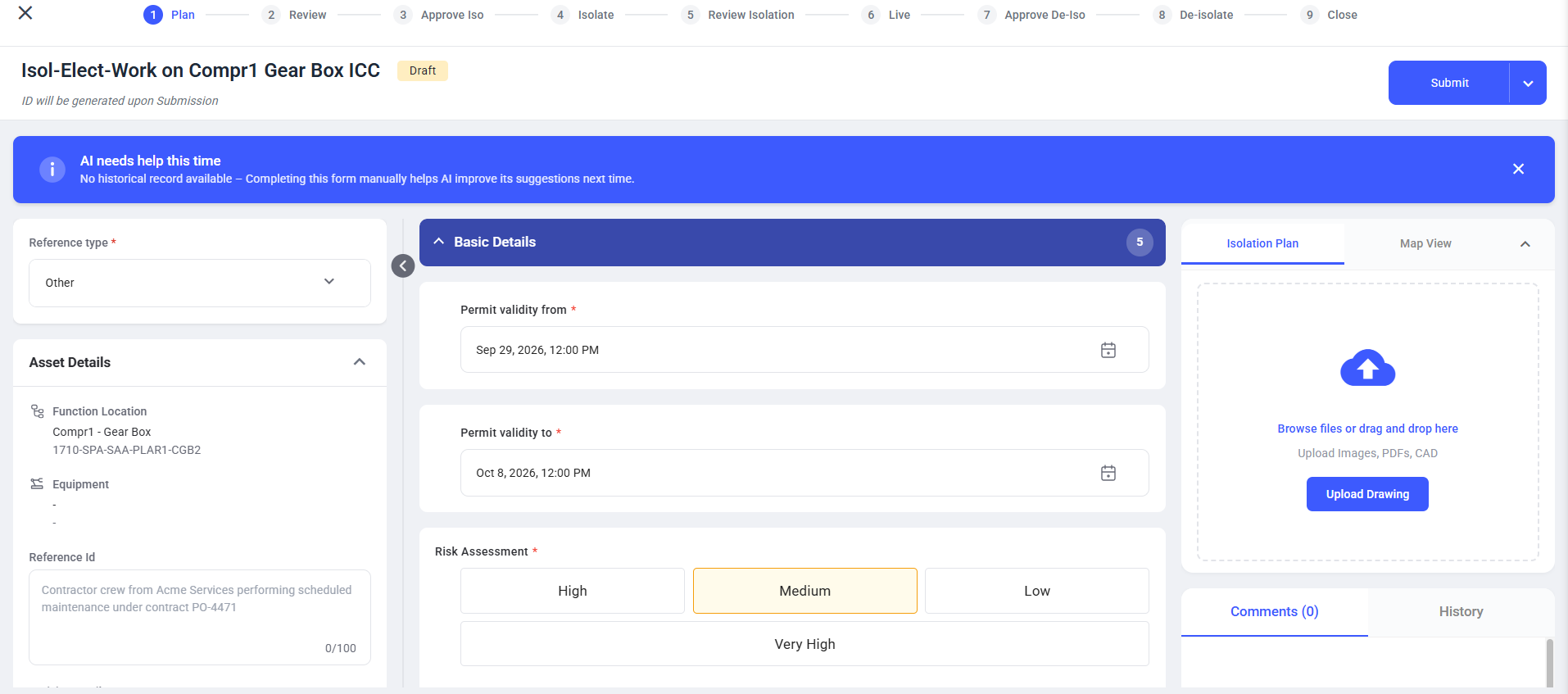
The ICC is created and moves to the Review stage.