
Modify Global Response Sets
Update the responses of an existing global response set.
To edit global response set master data:
-
In the Global Response Set screen, click the More
 icon against
the response type that you want to edit and select Edit.
Note:You can just select the response type, the response type details are displayed on the right-side window, click Edit to update the details.
icon against
the response type that you want to edit and select Edit.
Note:You can just select the response type, the response type details are displayed on the right-side window, click Edit to update the details. -
In the Edit Responses window, update the details as required and click
Update.
Figure 1. Update Global Response Set Details 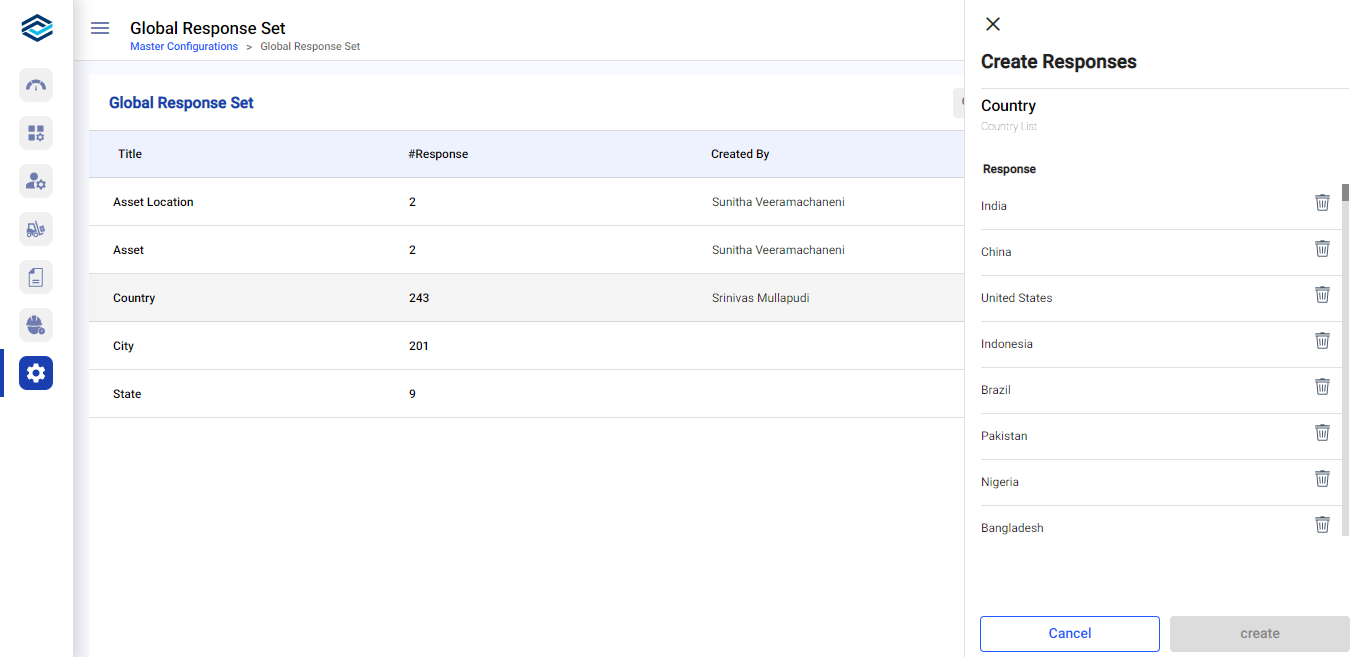
Note:When you update global responses, the responses in all associated forms are automatically updated.