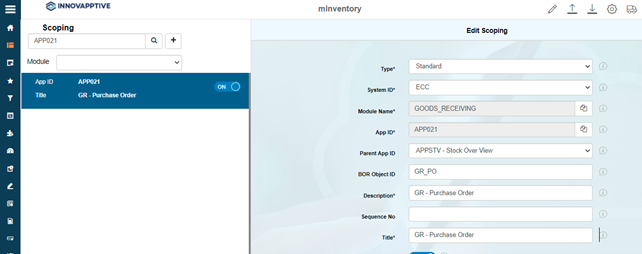
Add modules to Favorites
This configuration helps you add modules and submodules in the home screen and process transactions quickly.
-
In the Home screen, tap the User Profile
 icon in the Home screen.
-
Selected modules are added to the Favourite list.
Figure 1. Add modules to favorites from the application 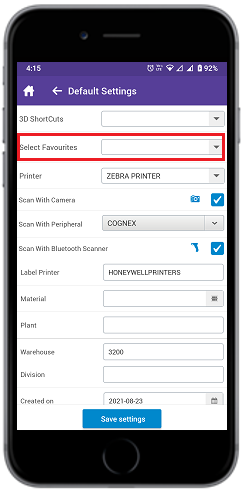
-
Click Save.
Figure 2. Configure Add modules to favourites