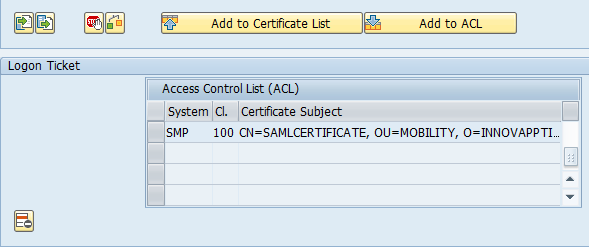
Import DSA certificate to GW Sandbox
To import the the smp.ss2.cer into the Gateway (GW) Sandbox system:
- Click
Add to Certificate
List.
Figure 1. Import Certificate 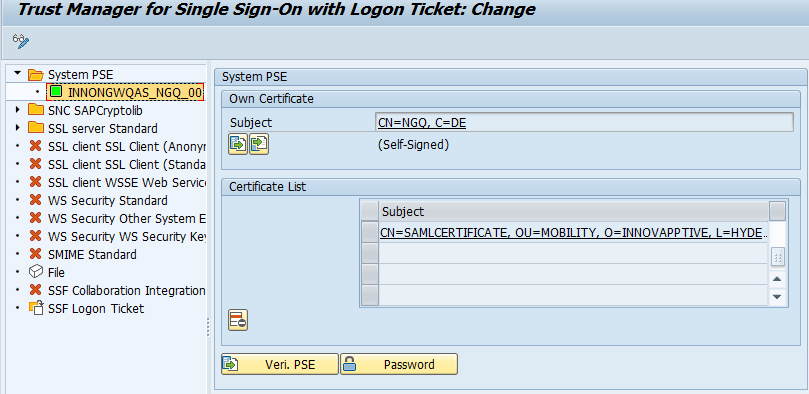
- Click
Add to ACL and enter the details.
Note: You will use the same details in the SMP Configurations.
Figure 2. Import Certificate 2