View Asset Status Dashboard
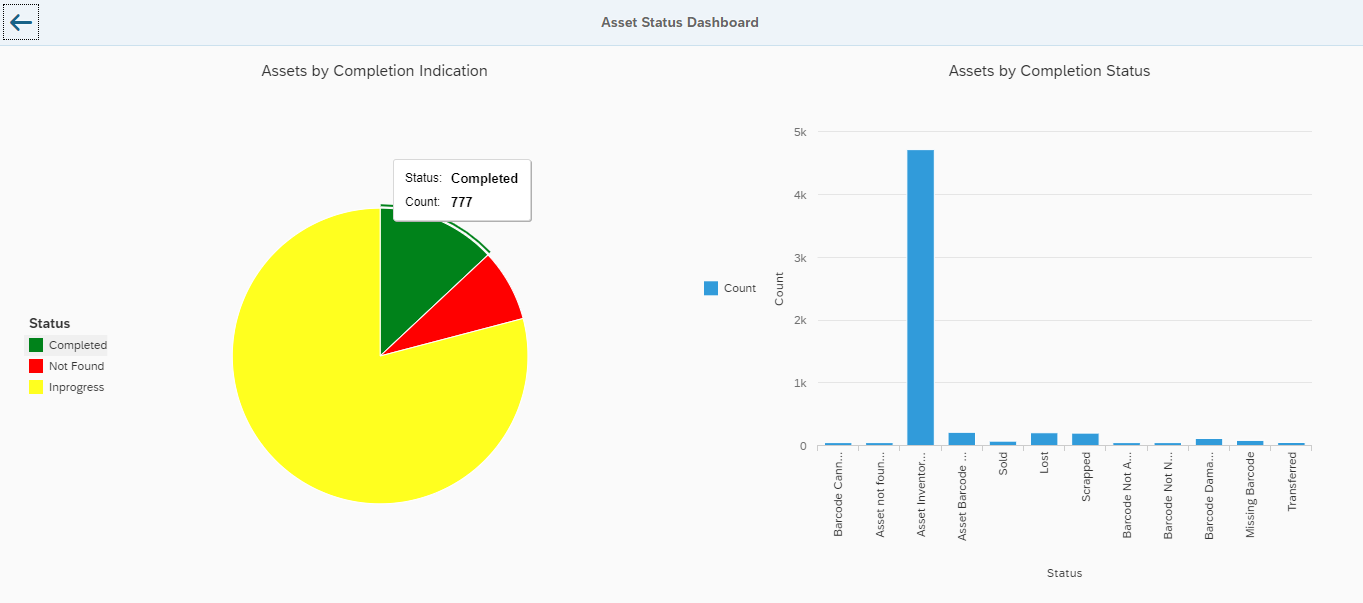
Asset Status Dashboard graphically displays the statistics of status of the records (pie-chart and bar diagram).
To view the dashboard, navigate to Reports, Asset Inventory Status and
click the Statistics
 icon.
icon.
On the Asset Status Dashboard screen, click on the:
- Different sections of the pie-chart to view the Status and Count.
- Blue bar of the chart to view the Status and Count.
-
Back Arrow
 icon to return to the Asset
Details screen.
icon to return to the Asset
Details screen.