
Configure DWI Core Settings
The Core Settings in Digital Work Instructions (DWI) define how major DWI capabilities are made available across your organization. These settings determine whether Supervisors and Operators can access and use specific DWI modules, such as creating, managing, and executing Work Instructions.
Although these configurations are applied at the system level, they directly impact how Supervisors create and manage instructions and how Operators access and execute them during daily operations.
Functional teams should review these settings to ensure they align with plant workflows, maintenance practices, and compliance requirements. IT or system administrators may assist in applying and validating the configuration changes.
By configuring DWI Core Settings appropriately, you ensure controlled feature rollout, consistent user experience, and alignment with operational standards across plants.
Collection Details
Configuring in mRounds
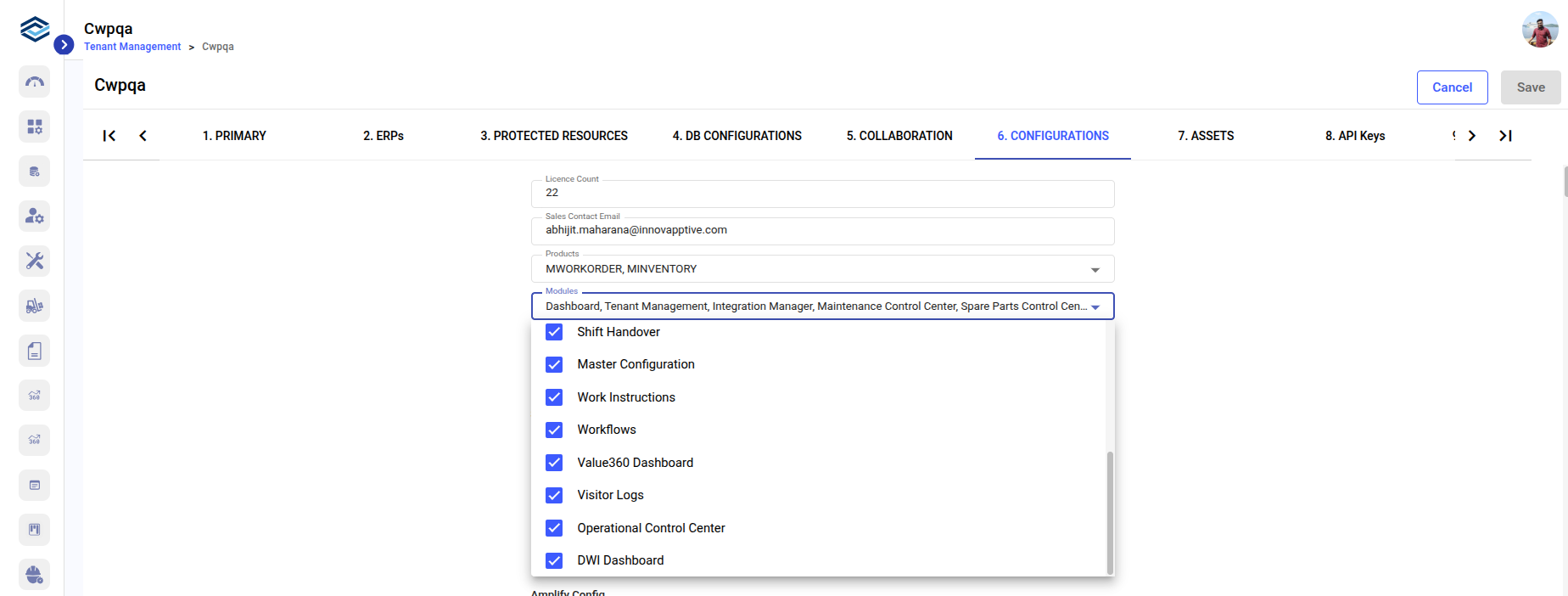
Configuring in iMaintenance
- Collection Name: Configuration
Enable or Disable Modules in iMaintenance
DWI modules can be enabled or disabled at the tenant level. These settings determine whether the modules are visible and accessible to all users across web and mobile applications. Use the tenantLevel flag to control module availability globally across all plants.
tenantLevel Flag
Purpose: Controls module access at the Tenant level.
- true: Enables the selected DWI module for all plants under the tenant.
- false: Disables the selected DWI module globally across all plants.
Default Value: true
- true if you want all plants to access the DWI module.
- false to completely disable the DWI module across the tenant.
Impact of Disabling the DWI Module
- Supervisors cannot create or manage Work Instructions.
- Work Instructions cannot be linked to Rounds.
- Operators cannot access or execute Work Instructions.
- Version management, feedback review, and archive functions are unavailable.
Disabling the module effectively removes DWI functionality from both Supervisor and Operator workflows.