Establish a Connection with FTP Server for Data Export
An FTP (File Transfer Protocol) server connection allows mRounds to securely transfer large volumes of data to external systems for reporting, backup, or further processing. Establishing this connection enables the export of rounds data and reports to FTP servers without manual intervention, ensuring a smooth and automated process for data storage and sharing.
- Automate Data Exports: Reduces the need for manual transfers by automating the process of exporting rounds data to an external FTP server.
- Centralized Data Storage: Ensures that all exported rounds data is available in a secure, centralized location for backup, audits, or further analysis.
To create a connection for FTP server:
-
Click the Add button in the Connections section on the left side.
Figure 1. Create FTP Connection 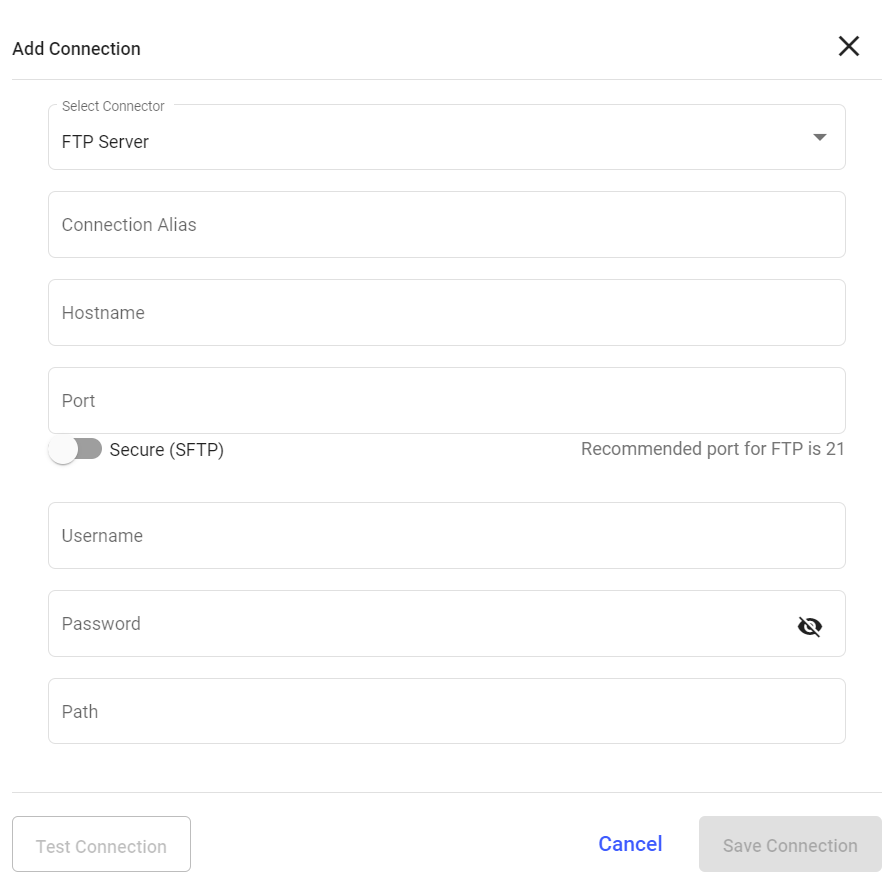
Configure Data Export to FTP for Automated Transfer
Once a secure connection is established, the next step is to configure mRounds to export data to the FTP server. This setup allows specific types of data such as rounds results, reports, and issues to be automatically exported to the FTP server.
- Automate Reporting: Automatically transfer critical data, such as maintenance results and issue logs, to the FTP server for long-term storage.
- Facilitate Data Sharing: Enable seamless data sharing between mRounds and other systems that may pull data from the FTP server.
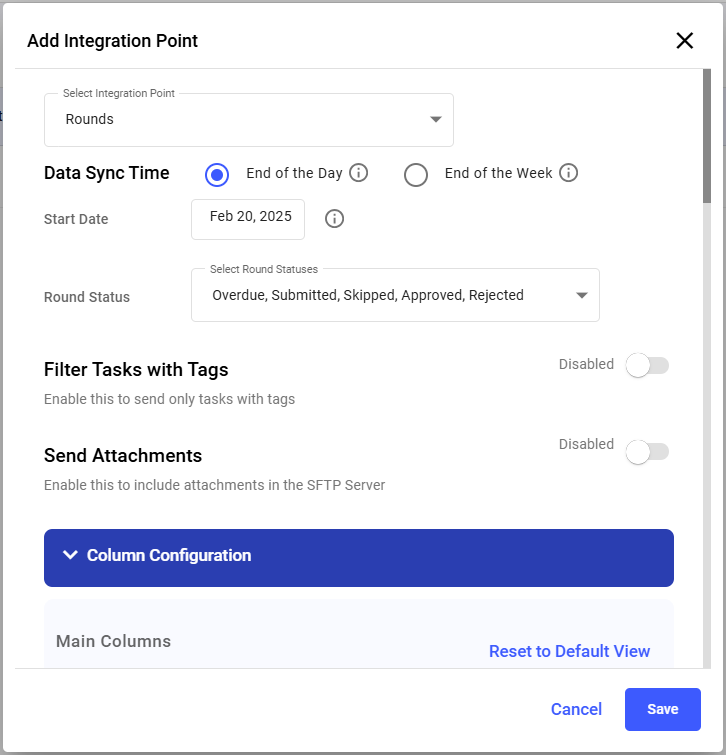
To add an integration to FTP server
-
Click Add Integration on the right side.
Figure 2. Add Integration Point