Configure an SMTP Server for Automated Email Notifications
Configuring an SMTP (Simple Mail Transfer Protocol) server allows mRounds to send automated email notifications to stakeholders about task completions, issues, and important updates. This connection ensures timely communication about maintenance operations.
- Automated Alerts: Ensure that stakeholders receive real-time notifications regarding critical issues or task completions.
- Enhance Communication: Automate the process of sending alerts and updates, reducing manual follow-up.
To create a connection for SMTP server:
-
Click the Add button in the Connections section on the left side.
Figure 1. Add SMTP Connection 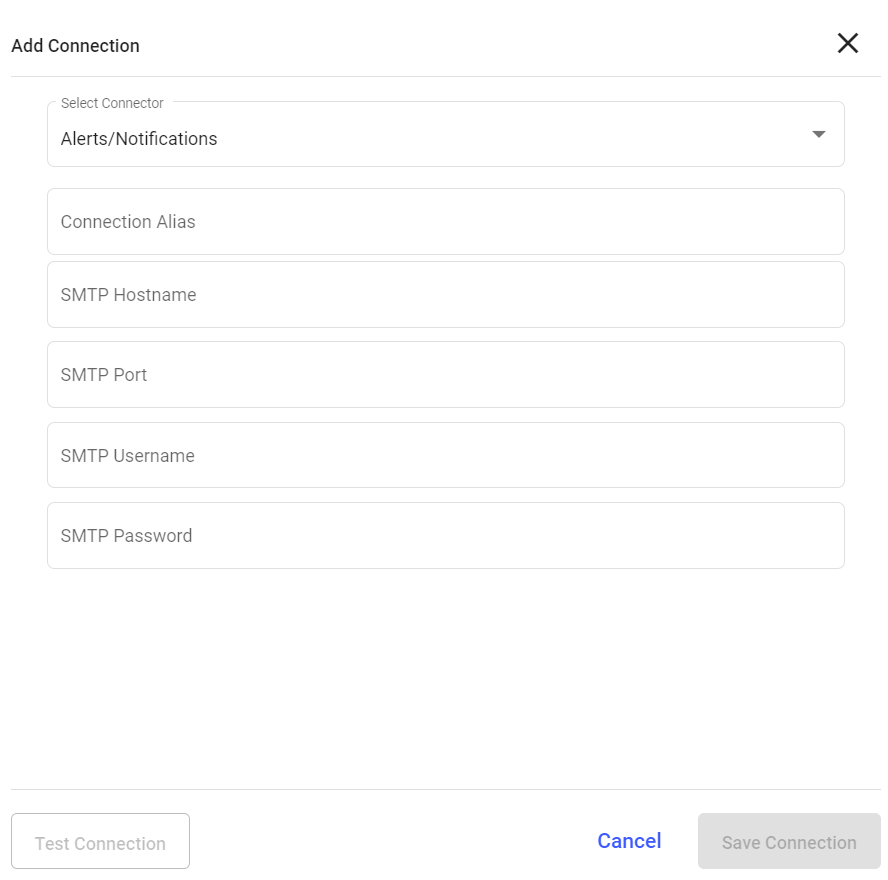
Configure Email Notifications with SMTP
Once the SMTP connection is configured, you can set up automated email notifications to be triggered based on specific events in mRounds, such as issue creation, task completion, or round updates. This ensures timely communication with stakeholders.
- Real-Time Notifications: Automatically notify supervisors, operators, or managers about important updates or issues.
- Event-Driven Alerts: Configure email alerts to trigger when specific events occur, such as task completion or new issues.
To add an integration to SMTP server:
-
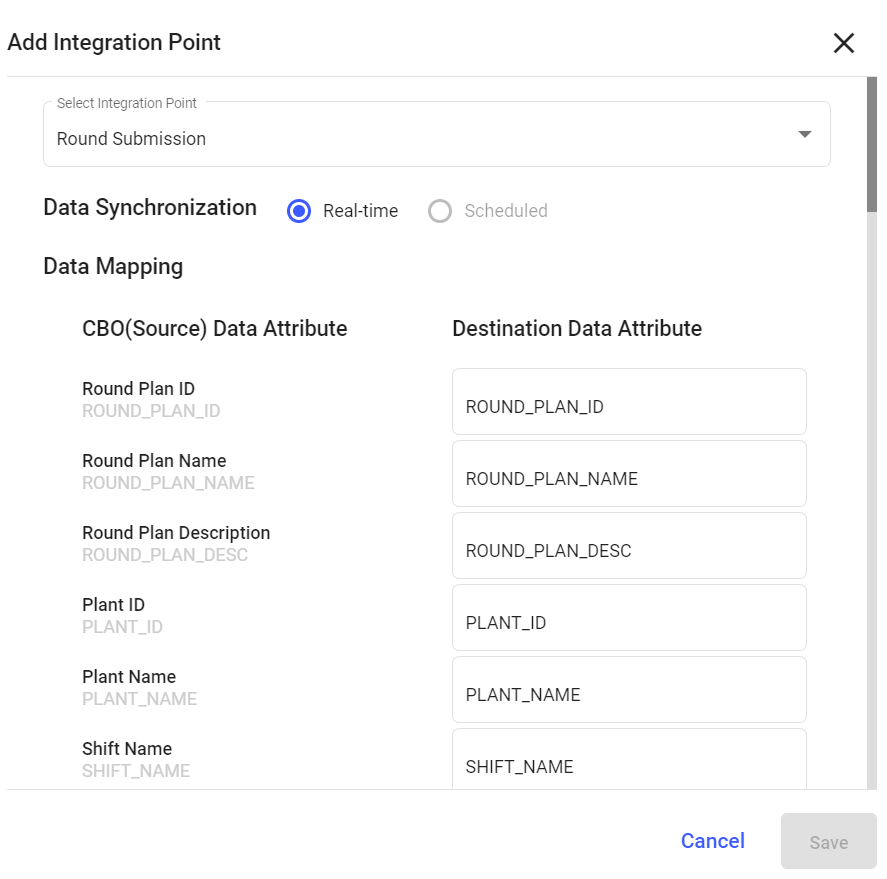
Click Add Integration on the right side.
Figure 2. Add Integration Point