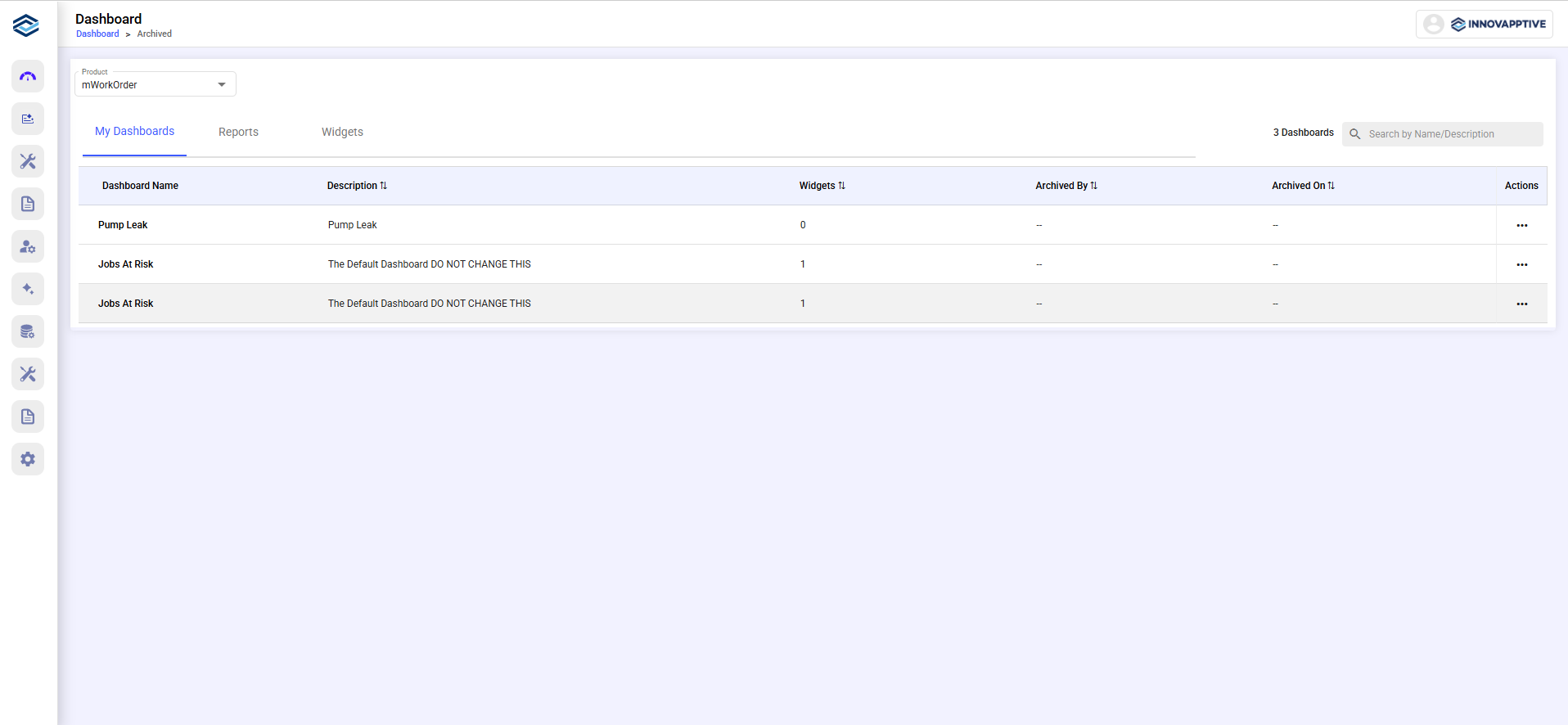
Manage Archived Dashboards, Reports, and Widgets
Find archived dashboards, reports, and widgets, then restore or delete the items you select.
Archiving dashboards, widgets, and reports clears them from your workspace without losing their data.
To manage archived items:
-
Navigate to Dashboard >
Archive.