
Approve De-Isolation
After the work is complete, the ICC moves to the Approve De-Isolation stage. If the ICC is linked to a permit, this happens once the Permit Issuer closes the permit. The ICC Approver reviews the de-isolation plan to confirm it is safe and compliant before the ICC Owner can remove the isolation.
Role: ICC Approver. Platform: Web.
To approve the de-isolation, follow the steps below:
-
Click Submit to approve the de-isolation.
Figure 1. Approve De-Isolation 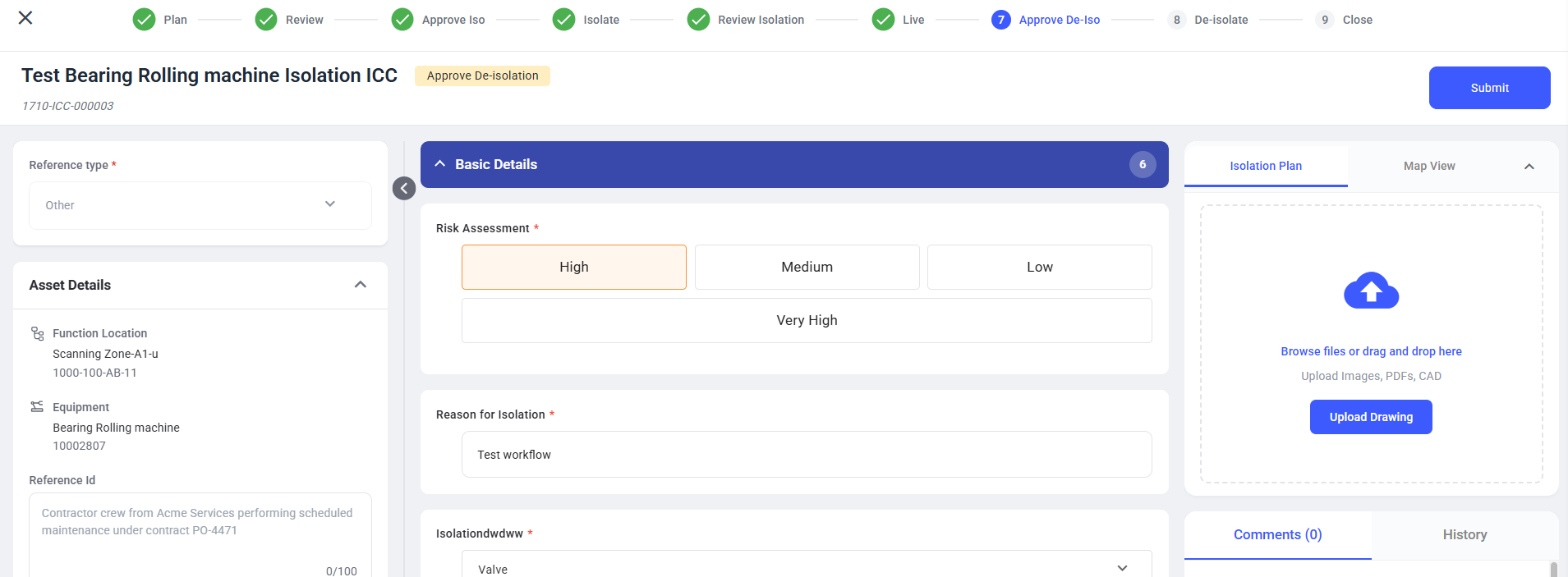
The ICC moves to the De-isolate stage and appears under the Execute De-Isolation tab. The ICC Owner is notified and can execute the de-isolation.
Next: