
Approve Isolation Plan
Review and approve the Isolation Plan before moving the ICC to the isolation stage.
Role: ICC Approver. Platform: Web.
To approve the Isolation Plan:
-
Click Submit to approve the Isolation Plan and move the
ICC to the Isolate stage.
Figure 1. Approve Isolation 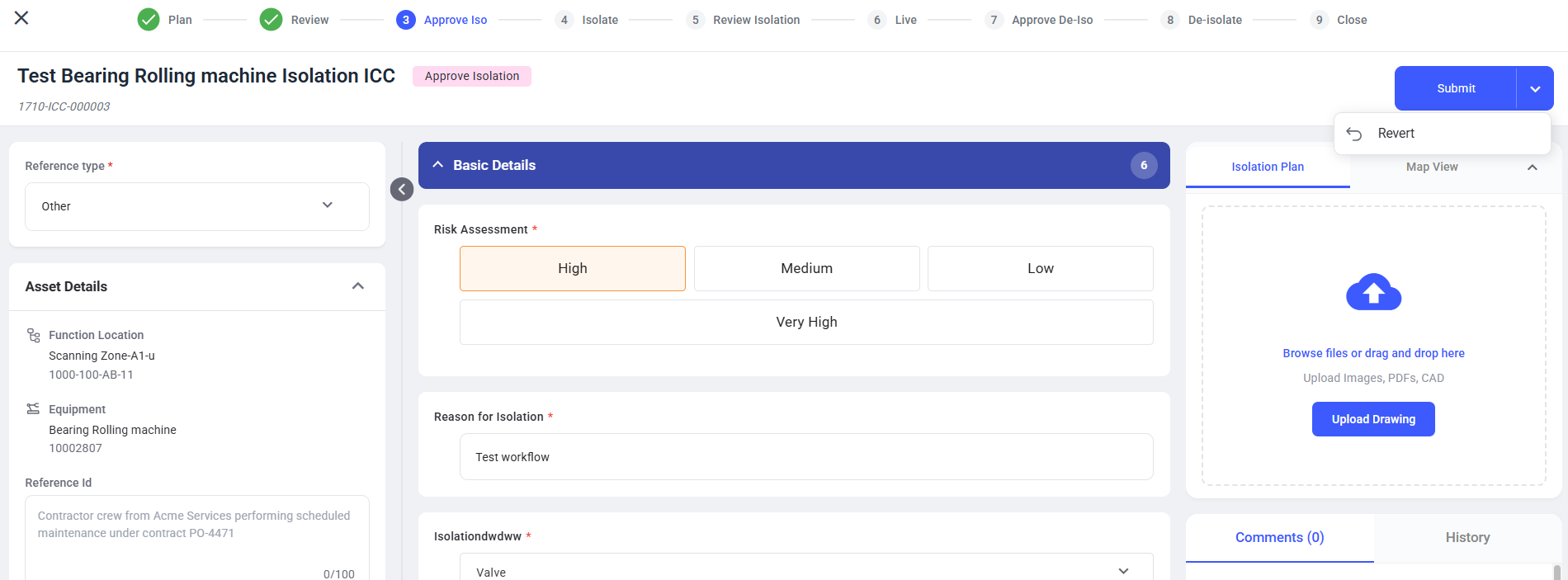
The ICC moves to the Isolate stage when approved. When reverted, the ICC returns to the previous stage for correction.
Next: