
Configure Isolation List View
Select the columns users need when reviewing isolation records in the list.
Role: iPermits Administrator or Template Author. Platform: iCWP Web.
To configure the view:
-
Click Save to apply the changes.
You can click Reset to Default View at any time to restore the default column layout.
Figure 1. Configure Isolation List 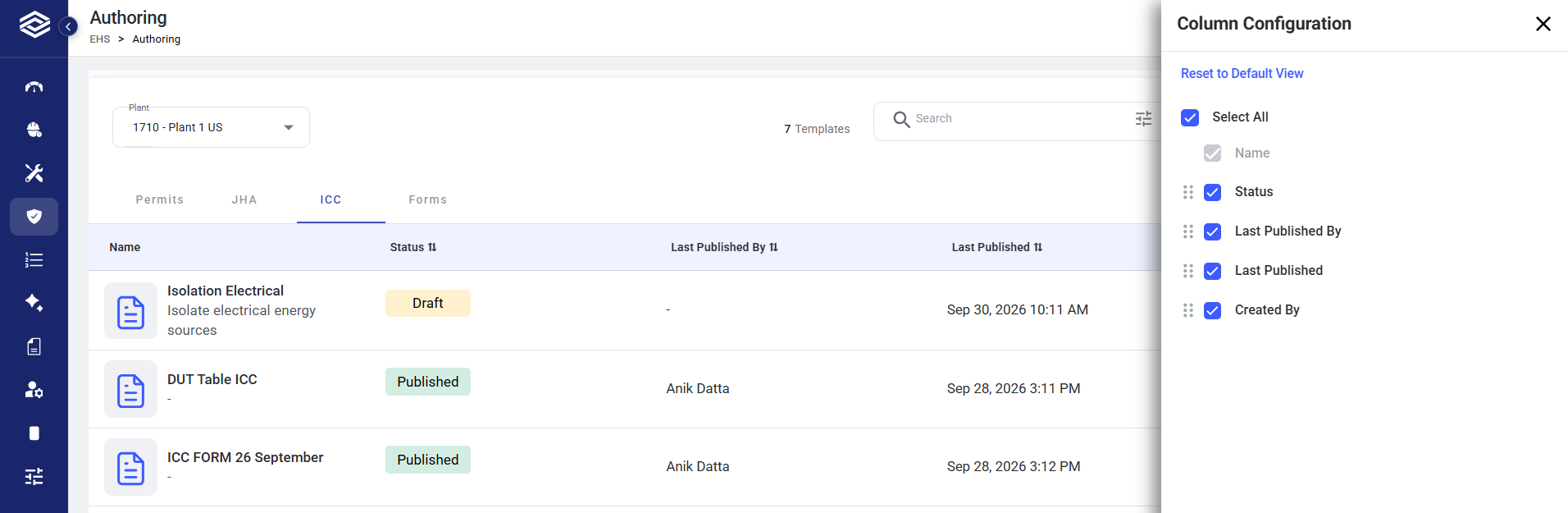
The Isolation list displays the configured columns and order for authorized users.