
Set the Default Unit of Measurement
Set the unit of measurement that is selected by default.
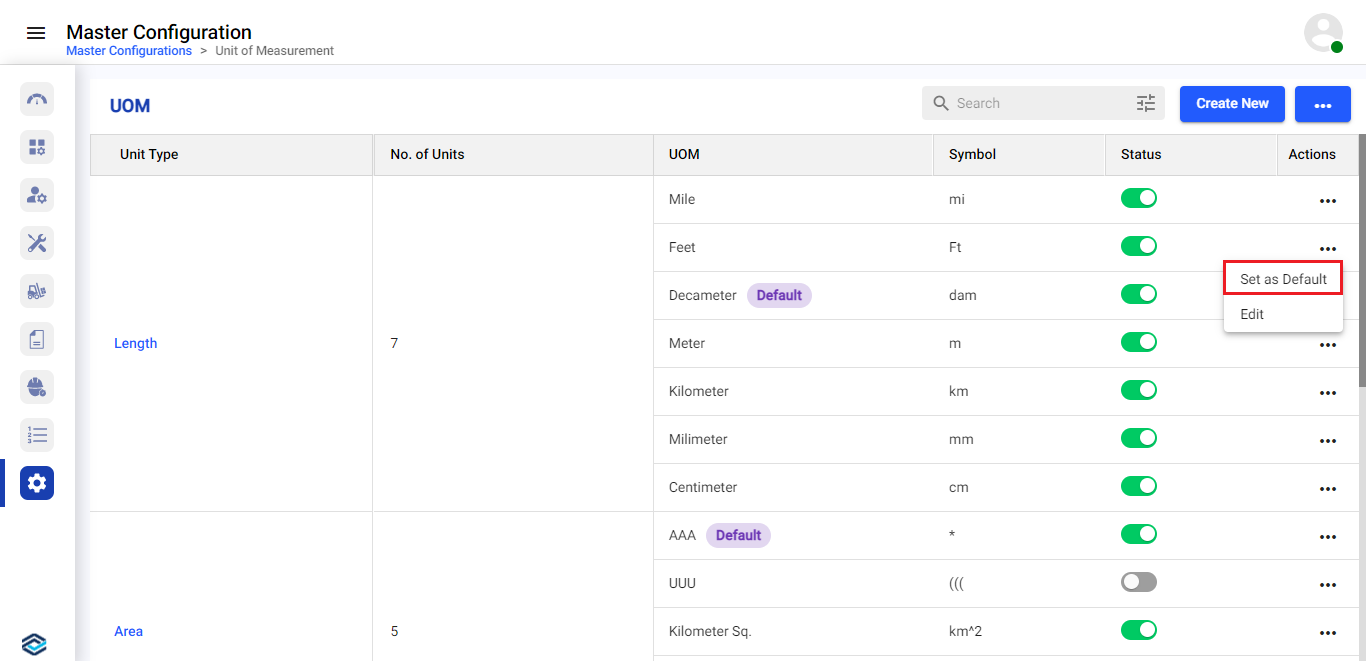
In the UOM screen, click the More  icon against
the UOM that you want to set as default and select Set as Default.
icon against
the UOM that you want to set as default and select Set as Default.
Figure 1. Set UOM as Default
icon against
the UOM that you want to set as default and select Set as Default.
The selected UOM is set as default successfully.