
Modify the Users in a User Group
Add or remove users in a user group by changing its user list.
To modify a user list:
-
In the Select Users window, deselect the checkboxes and click
Done.
Figure 1. Modify Users 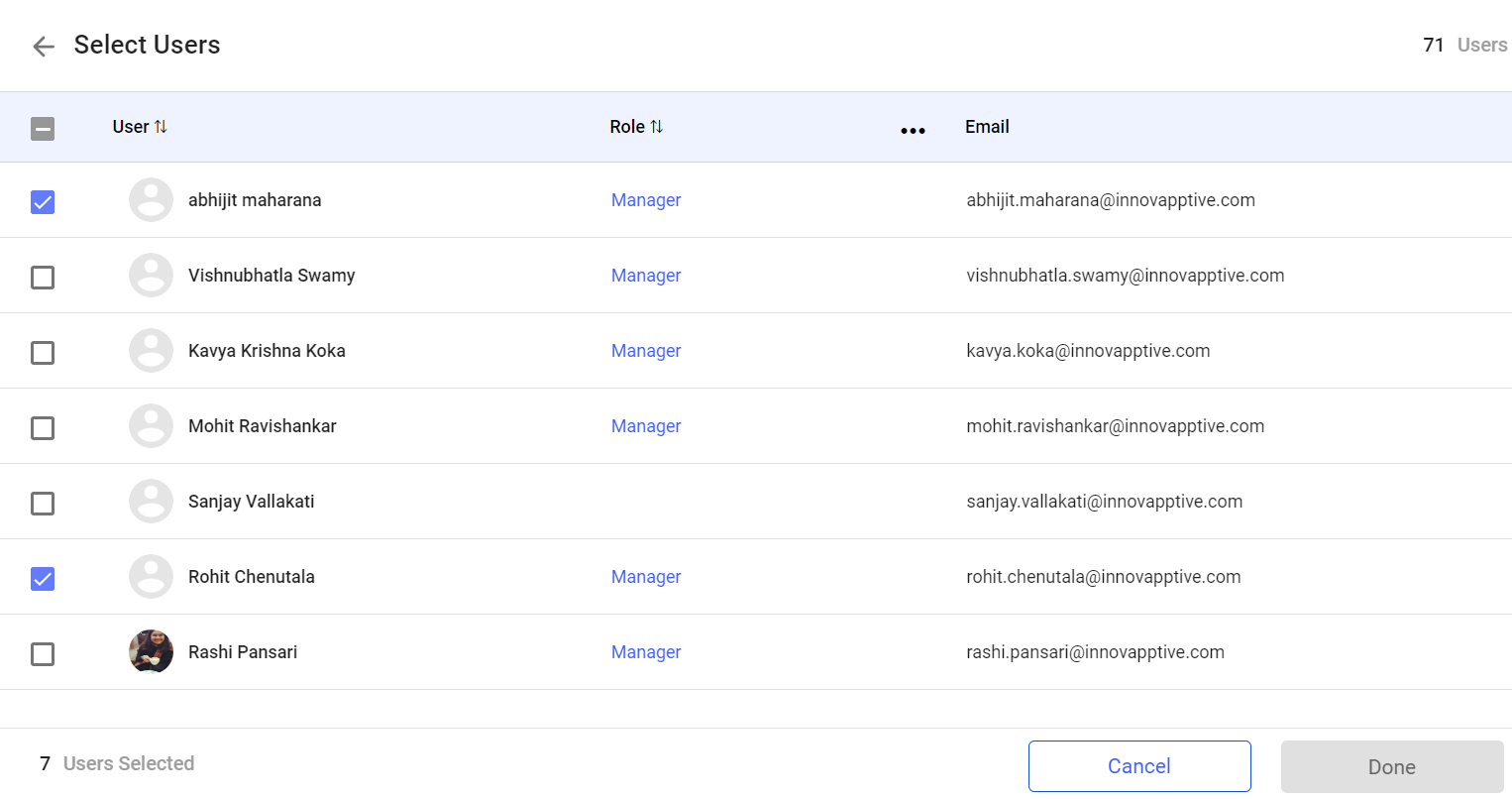
The users are removed from the user group.