
Remove Users from a User Group
Remove a user from a user group.
To remove a user from the user group:
-
Click the More
 icon and select Remove User for the selected
user.
icon and select Remove User for the selected
user.
Figure 1. Remove User 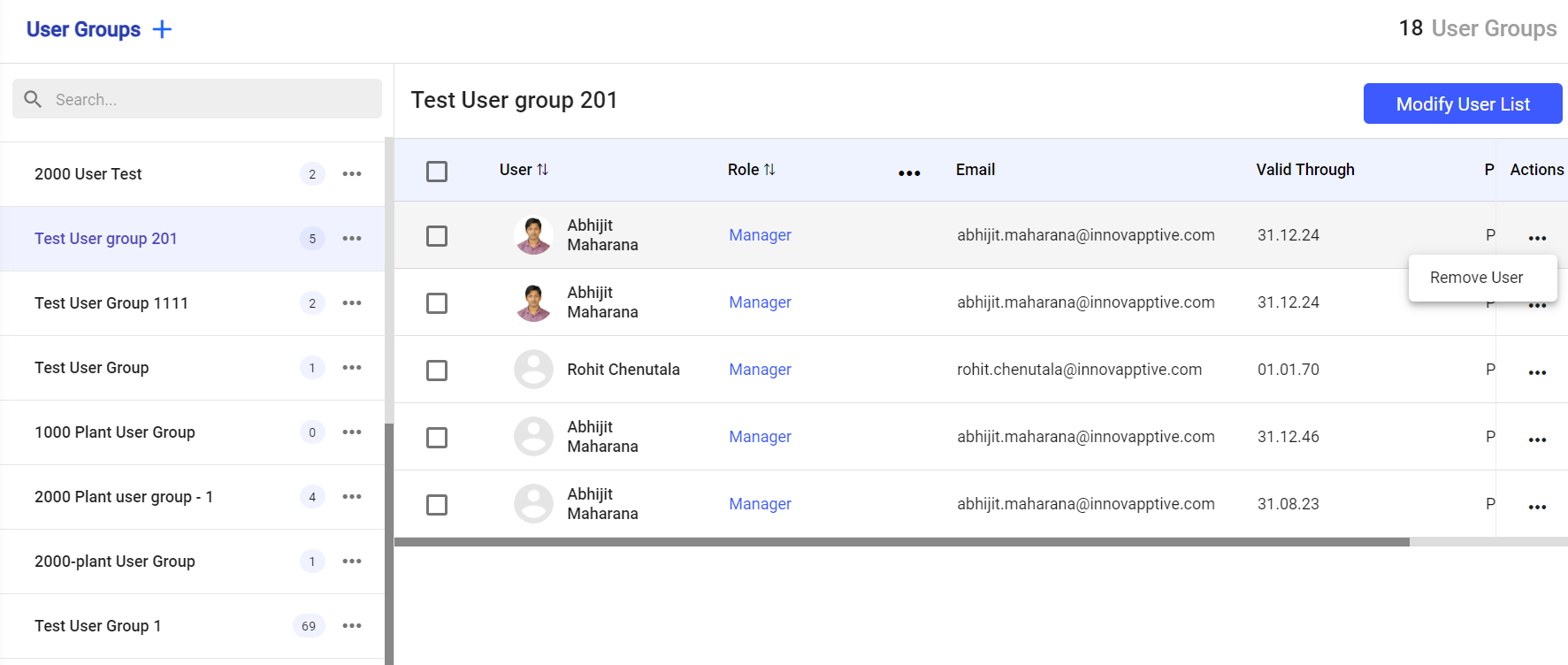
Note:To remove more than one user at a time, select the checkboxes and click Remove User at the bottom.The selected user is removed from the user group.