
Review Instructions Feedback
Review feedback provided on work instructions to identify improvements and suggestions.
To review instructions feedback:
-
In the Work Instructions screen, click the Feedback tab.
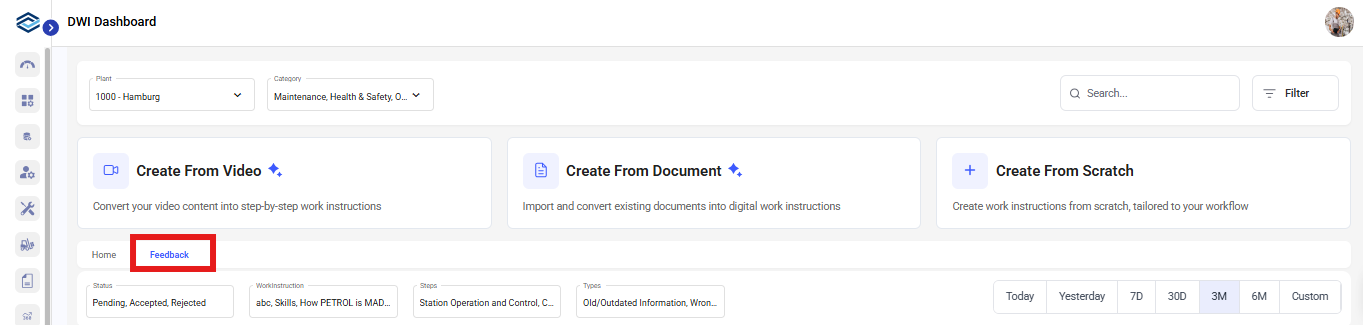
OrYou can open the work instruction, click Proceed, click More and select Feedback. - Select feedback from the list to navigate to the corresponding instruction.
- Review the feedback and accept or reject it as needed.