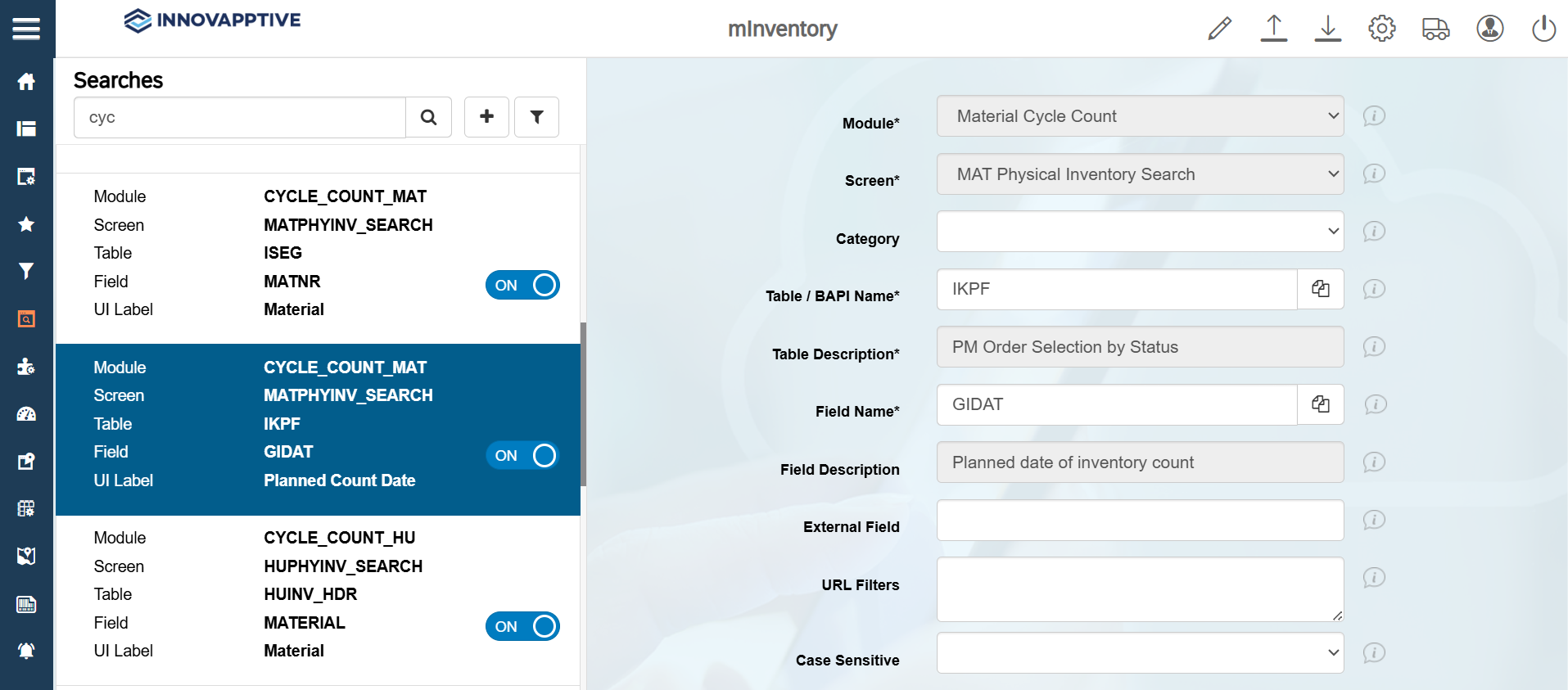
Configure Date Range Fields
This configuration enables the Cycle Count module to display the current system date by default.
To configure date range fields:
- Click Searches on the left panel.
- Click the Filter icon and select the Module as Material Cycle Count.
- From the results, select the record with Field name = GIDAT.
-
In the Edit Search Field section, update the following
information:
Field Description Module Material Cycle Count Screen MAT Physical Inventory Search Table / BAPI Name IKPF Field Name GIDAT UI Label Planned Count Date UI Field type DFR – Date Field Range UI Position 5 Default Value SY-DATUM Active ON -
Click Save.