
Add Work Instructions at Round Level
Use this for one-time jobs, emergency repairs, or unique situations.
To add work instructions at round level:
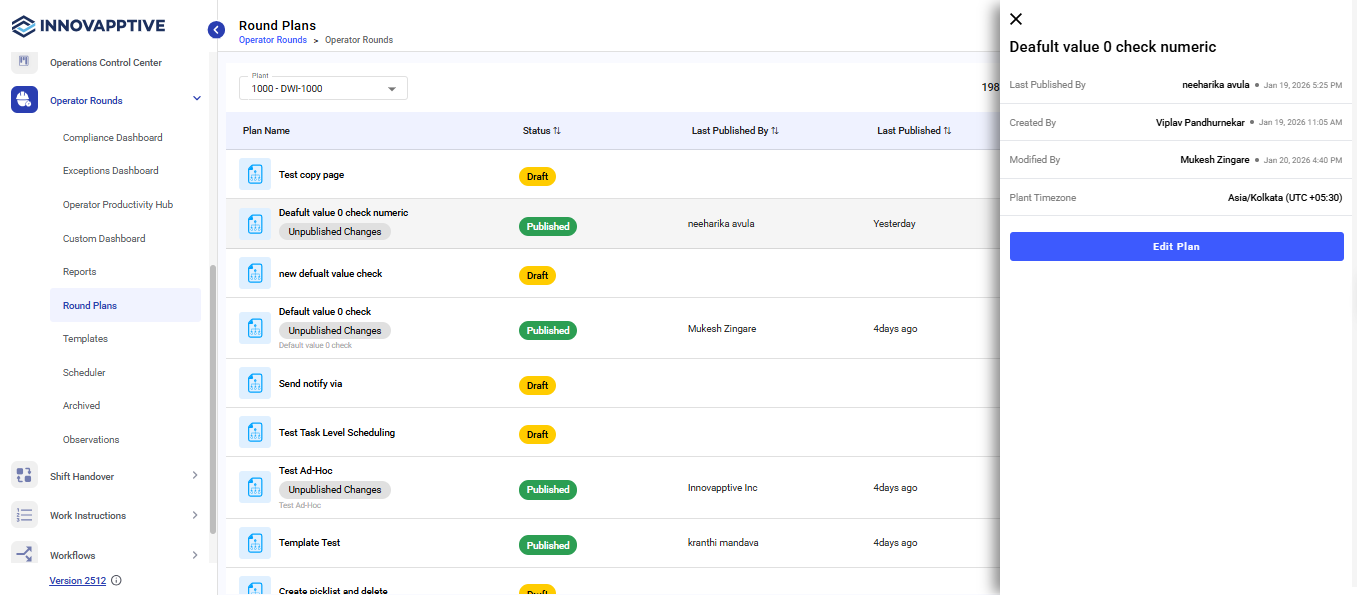
- Navigate to Operator Rounds → Round Plans from the left-side menu.
- Select the specific round plan.
-
Click Edit Plan.
-
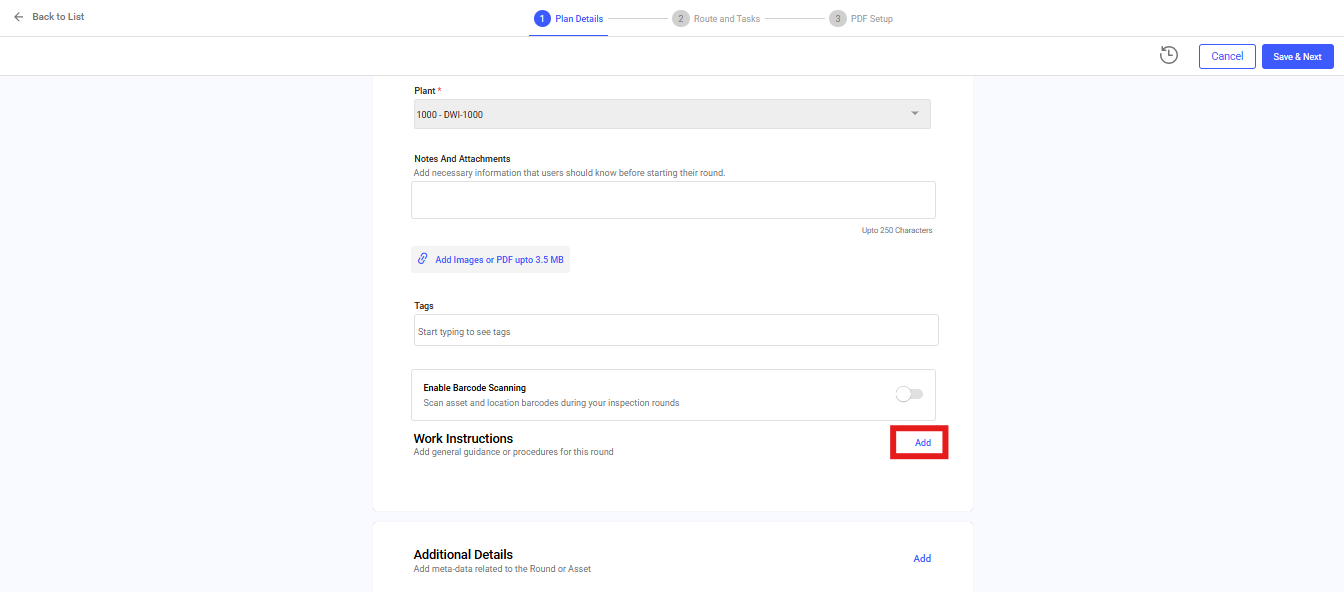
Click Add against Work Instructions.
-
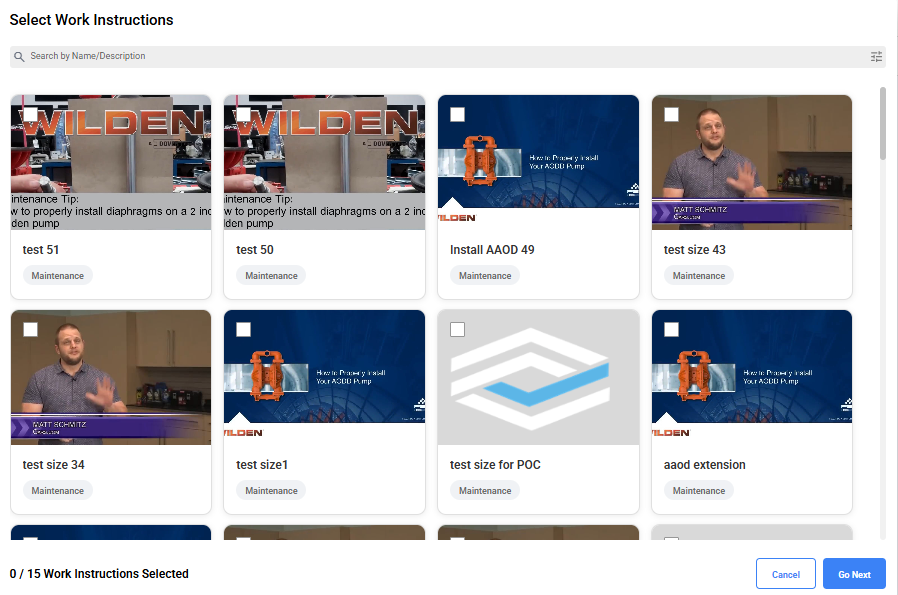
Select the instruction from the list and click Go Next.
- Click Save & Next.
- Click Next.
- Click Publish to publish the round with work instructions.