
Work Offline
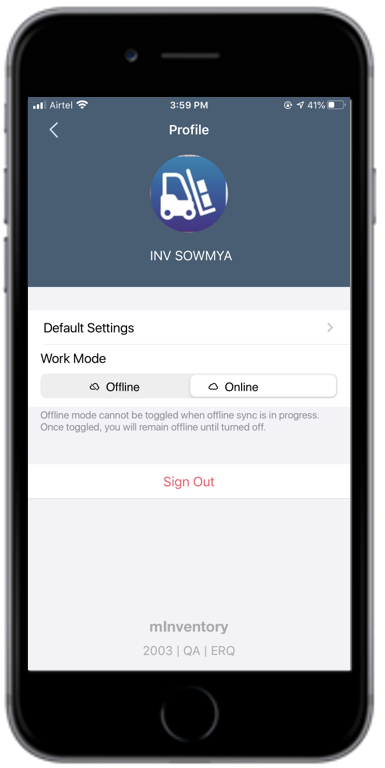
When the network connection is low or unstable, you can switch to offline mode and continue working: the transactions that you do in offline mode are stored in Offline Outbox, and they are automatically posted to backend systems when you switch from offline to online mode.
Switch Online/Offline
When you switch the application to Offline mode from the User Profile screen, a blue-colored bar is displayed on the top of all screens. When the network connection is restored, tap the Online button in the User Profile screen to post your transactions to the backend SAP systems.
For example, when you post a goods receipt for a purchase order and the network connectivity is weak (Offline mode), the document is stored in the Offline Outbox. When you are back in the network or switch Online, the data is synchronized with the server and the transactions are posted.
For more information, see: