
Unpack Containers from Loading Area (o3o_PACK01)
-
In the Loading Areas tab, tap on a loading area record.
Figure 1. Loading Area Containers 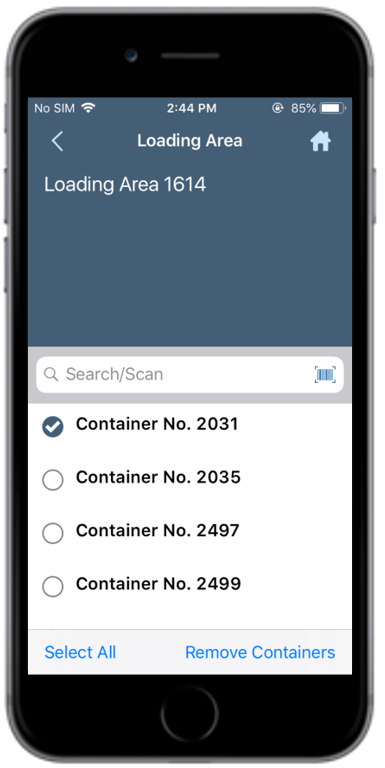
-
Tap Remove Containers.
A message appears confirming that the selected container is unpacked from the Loading Area.
Figure 2. Container(s) Unpacked Confirmation 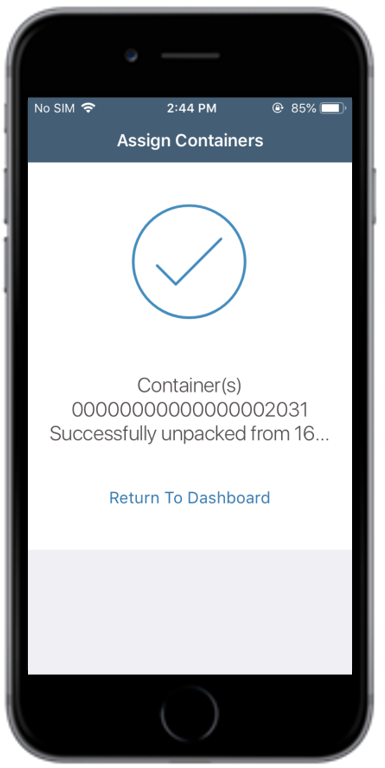
The selected containers are removed from the loading area.