Sort records
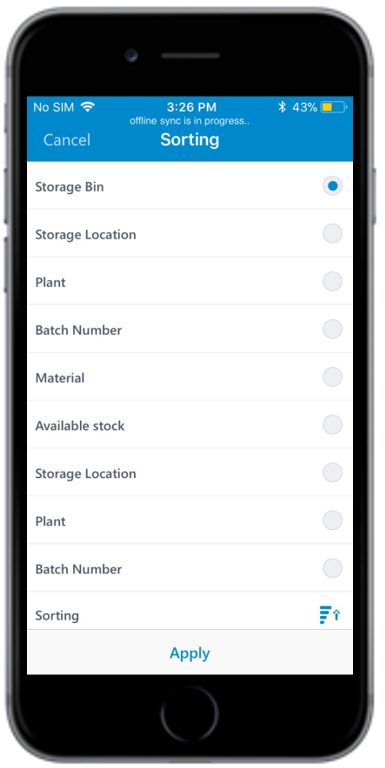
You can sort the list/records in ascending or descending order or by a specific criterion. For example, in the Goods Receiving—Purchase Order search results screen, you can sort by Vendor, PO or Document Date.
To sort the records:
-
Tap the Sort
 icon.
icon.
- Under Sorting, tap any of the search criteria.
-
Tap Apply.
Figure 1. Sort Records