
Create a Transactions Report
Create a transactions report when standard dashboards do not answer a specific operational question about locations, work centers, users, productivity, or other available objects.
To create a report:
-
Click Reports on the left pane, then click Create Report.
Figure 1. Select Objects and Reports 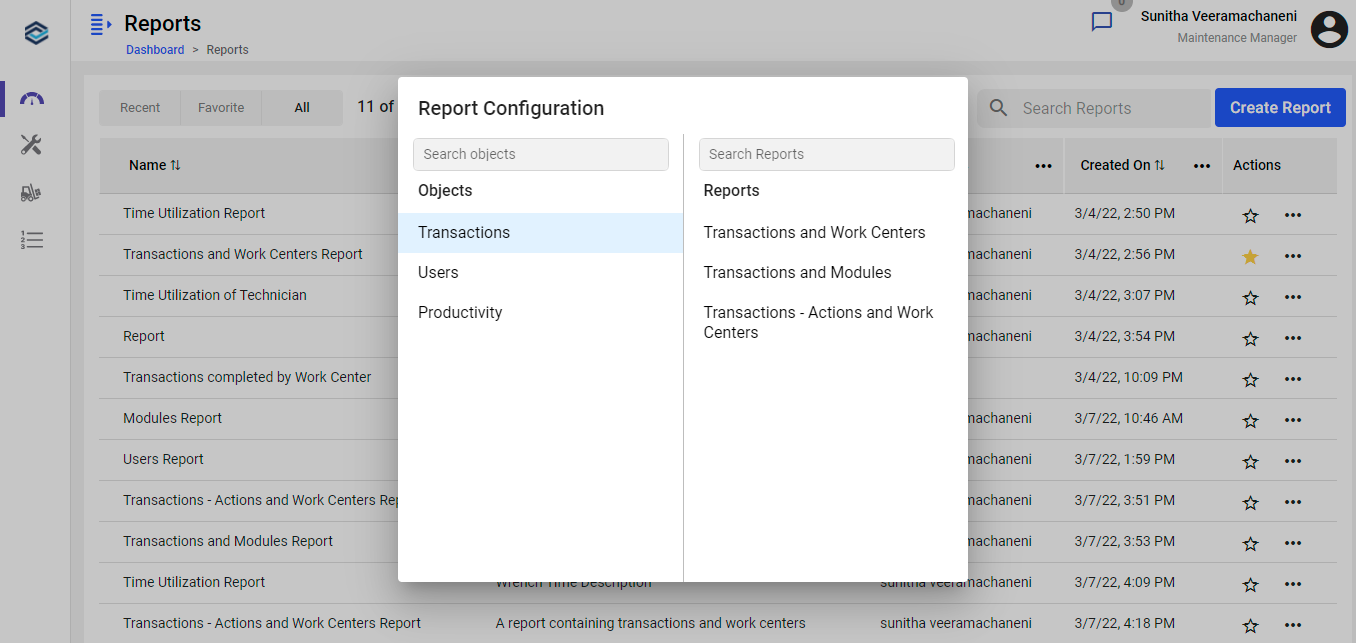
-
Click Save, or Save As to save under a different name.
Figure 2. Add Report Details 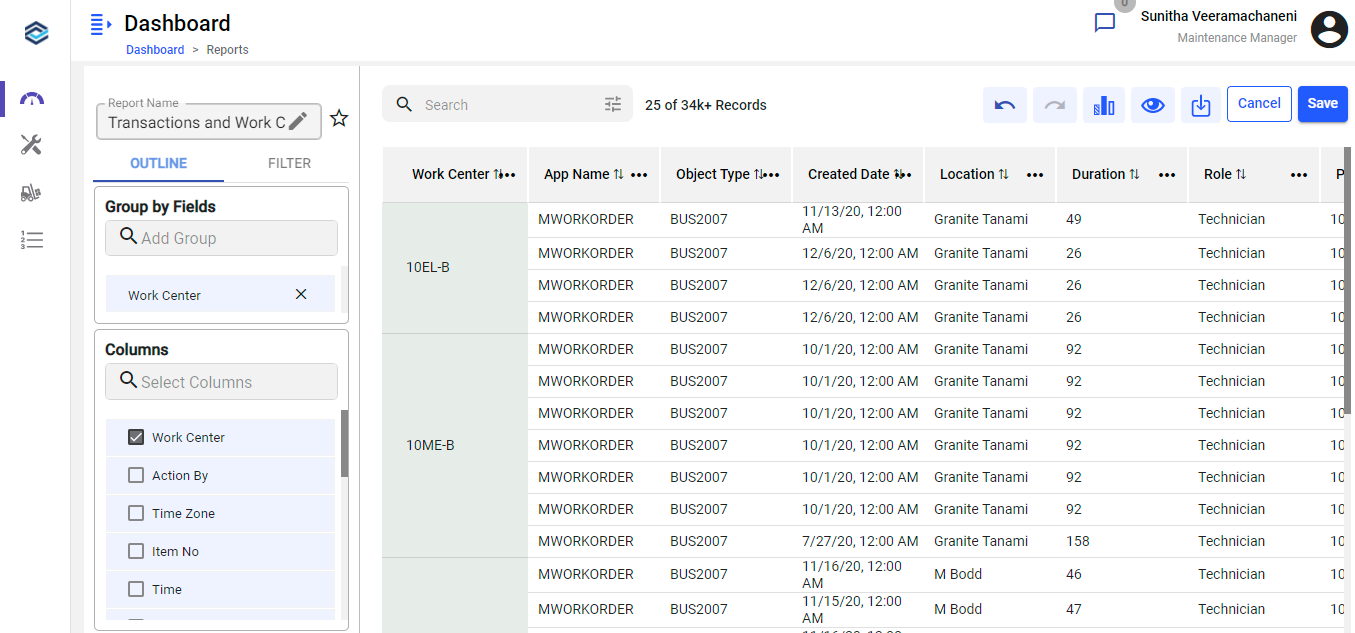
The report is saved and appears in the Reports list.
Next action: Refine its filters and layout — see Refine a Report's Filters and Layout — or manage existing reports — see Manage Existing Reports.