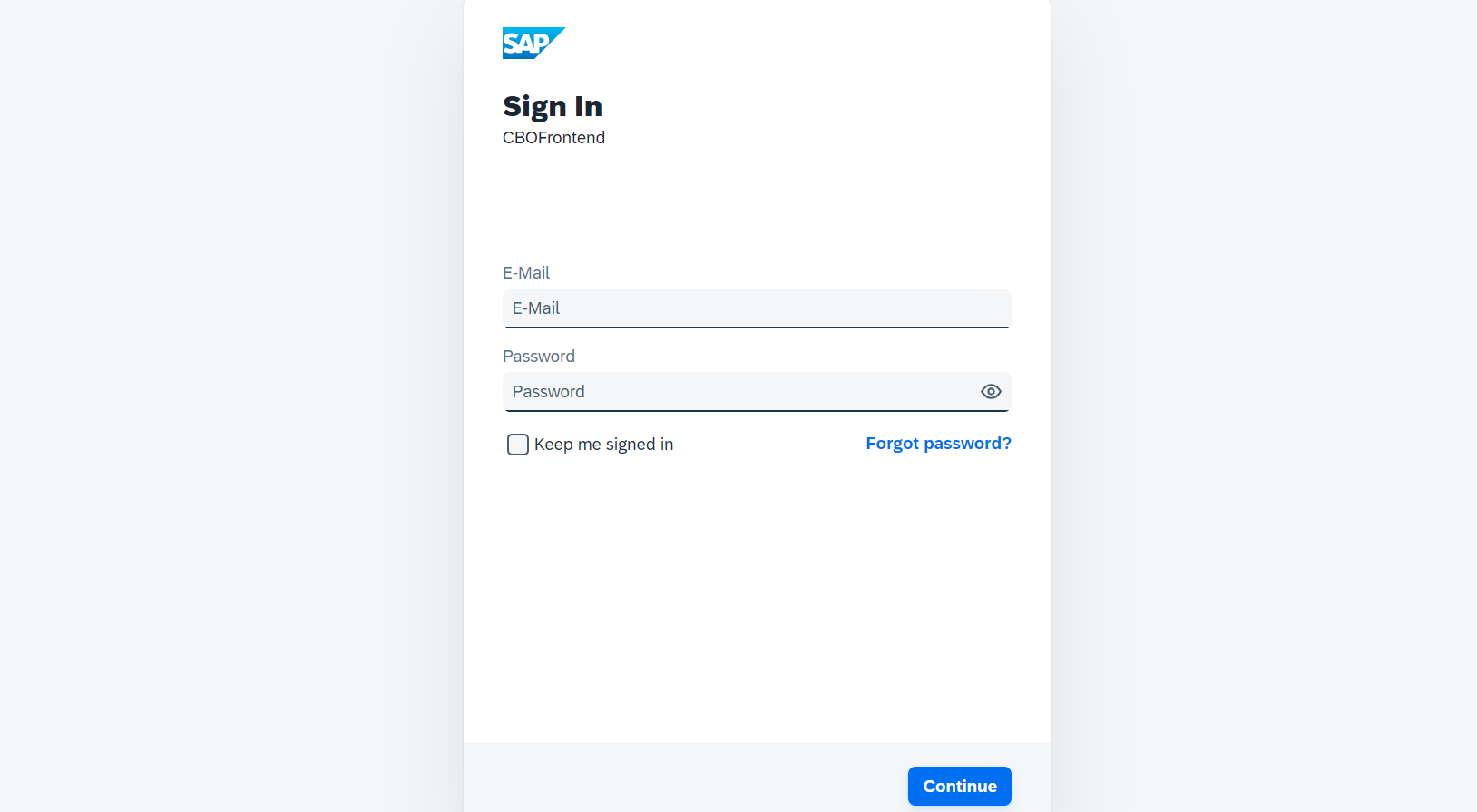
Log in with SAP IDP
Use SAP Identity Provider credentials when your organization has configured SAP IDP for the mRounds web application.
Have your company or domain name and sign-in credentials ready.
Note:
This process is applicable only when the feature is set up
by an admin.
To log in using SAP IDP:
-
Open the web application using the URL.
Figure 1. Log in using SAP IDP