Search for a Round, Issue, or Action

Search from the relevant module when you know a round-plan, round, Issue, or Action detail that can identify the record.

Navigate to the respective screens and enter the round, issue, or action name. The process is the same for searching any item.

To search round plans, issues, and actions:

  1. Click the Round Plans section on the left pane.

    Click Scheduler for published plan, click Archived for archived plans and Observations to search issues and actions.

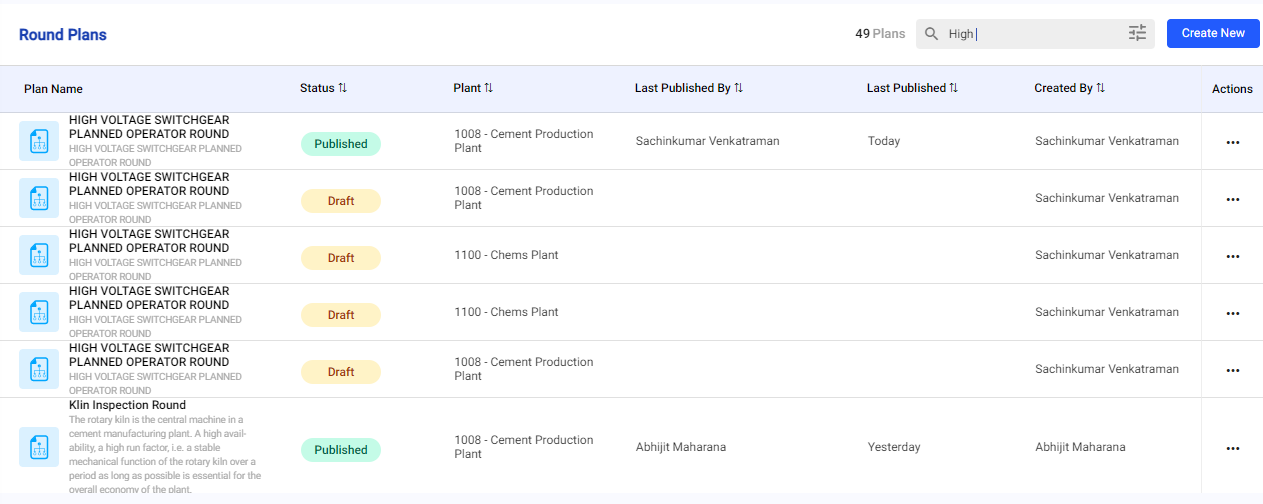
  2. Enter the name of the round, issue, or action in the Search field.
    Figure 1. Search

  3. Select the round, issue, or action from the list to view details on the right side.