You can view Purchase Order history along with the material documents and track
various goods movements done against the purchase order for the material quantity that
is partially or fully delivered or yet to be delivered.
To view purchase order
history:
In the Home screen, tap the Purchasing module.
Tap PO History.
Enter the search criterion such as PO Number, Document Type, and
Date.
Tap Search.
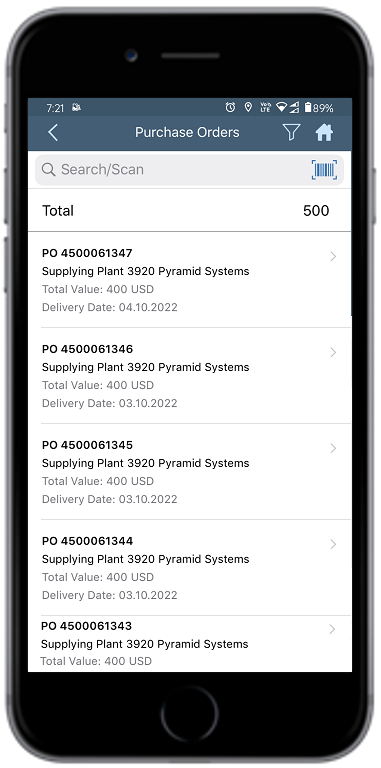
Select the purchase order.
Figure 1. Search and Select Purchase Order
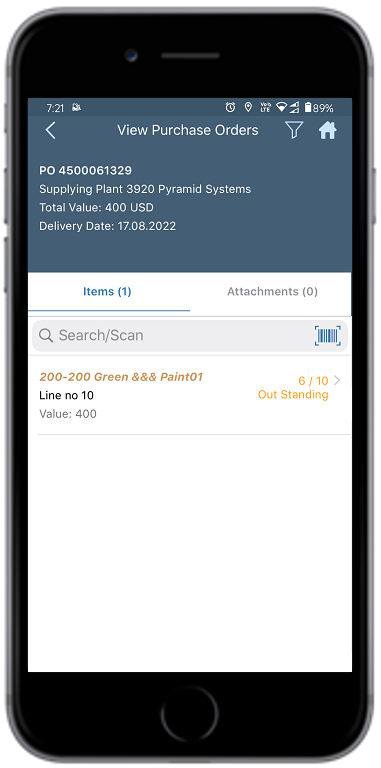
In the View Purchase Orders screen, select the line item under the
Items tab.
You can see all the documents that are created against the purchase order.Figure 2. View Purchase Order History