
Review Wrench Time Loss
- Blocked is an operation status and does not change the work order status.
- Blockers can be reported, cleared, and viewed offline. Changes sync when the device reconnects.
View the Wrench Loss Tab
If enabled for your plant, open a work order from the execution screen and select the Wrench Loss tab.
- Total Wrench Time Loss: Combined loss across all operations and confirmations, in hours and minutes (HH).
- Loss by Reason: Reasons sorted by total duration, largest first. Entries with the same reason are combined, even if their sub-reasons differ.
- Operation Details: Expand a reason to view each entry's Operation ID, description, start time, end time, and duration. Repeated losses for the same operation appear as separate entries.
The tab is read-only. To correct a loss duration, update it on the operation confirmation screen; the revised figures appear when you reopen the tab. Active blockers are included and continue accumulating time. If no losses are recorded, the tab displays zero totals and an empty state.
Monitor and Clear Blocked Operations
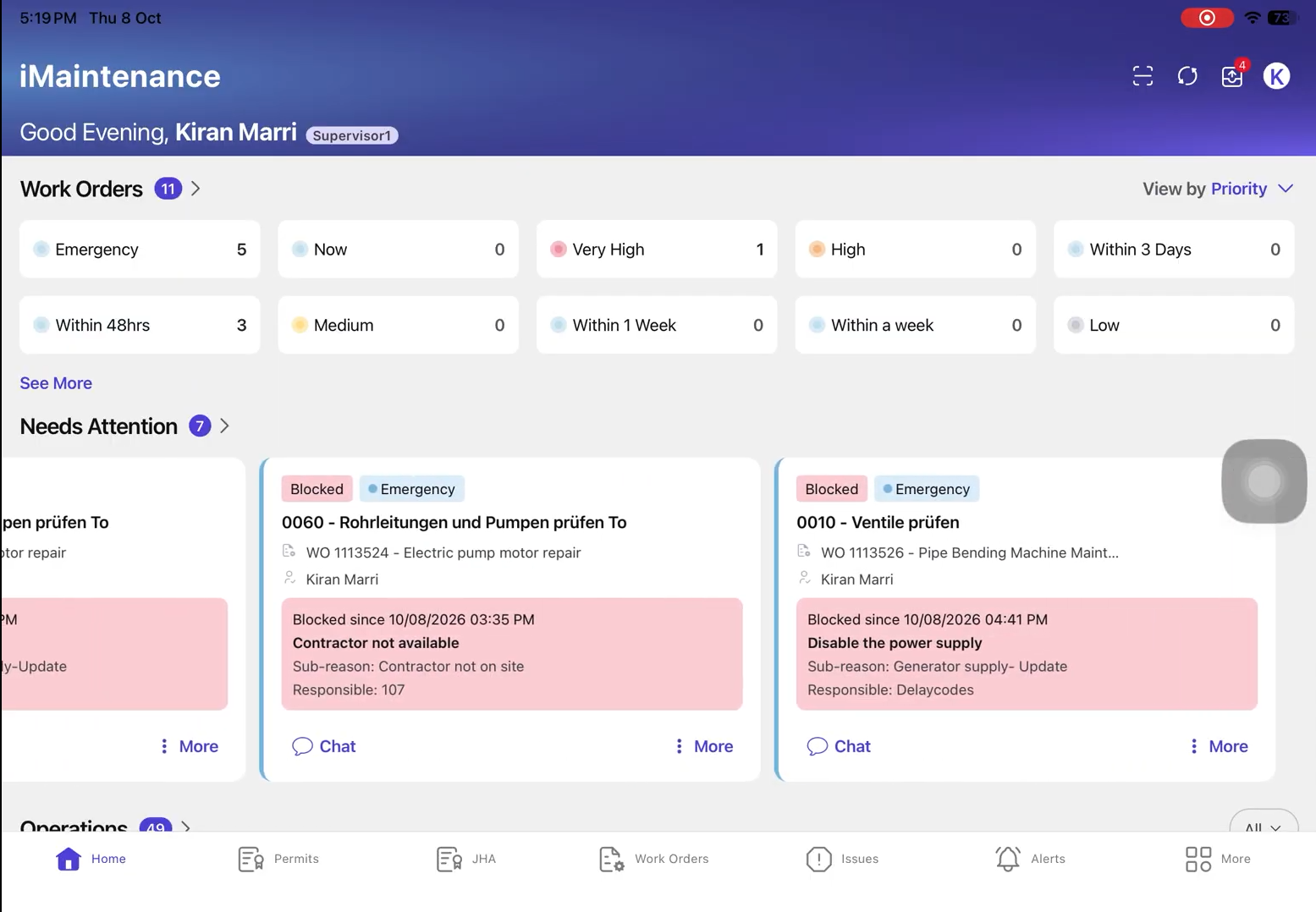
When a technician blocks an operation in your work center, you receive a push notification, and the operation appears in Alerts, work order chat, and the dashboard's Needs Attention widget.
The notification and chat message include the work order and operation details, reporter, report time, and delay information. In chat, the responsible party is also recorded.