
Access Help Center
Look up answers in the FAQs and user guides available inside the application.
-
Open the More screen and tap Help Center.
Figure 1. Help Center 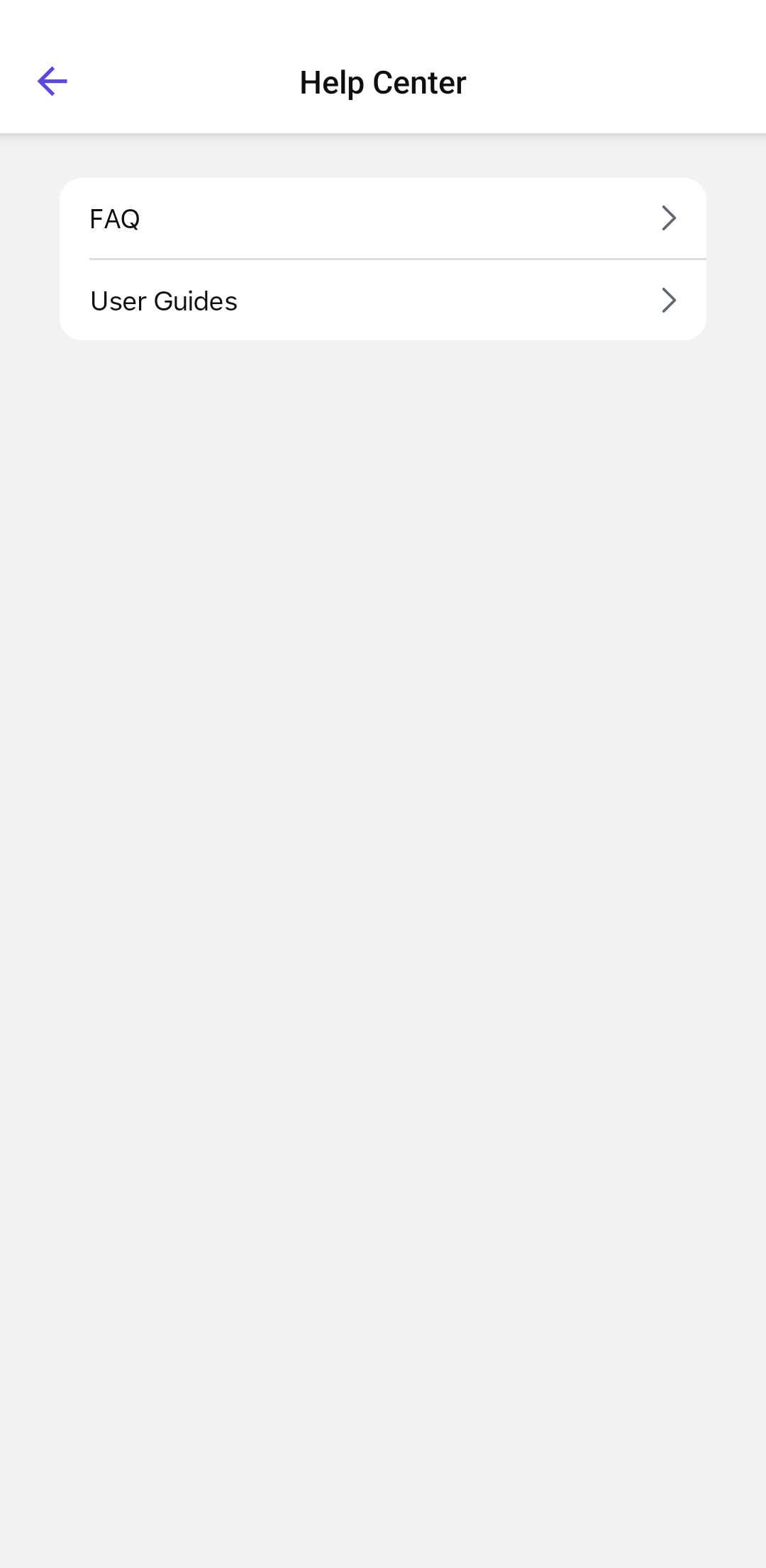
The Help Center provides two main topics:- FAQ – Frequently Asked Questions related to different modules.
- User Guides – Detailed guides on using various features.
The Help Center opens with the available product documentation and support resources.