
View User Profile
View your user profile to see your account details and assigned role.
Open the More screen and tap Profile.
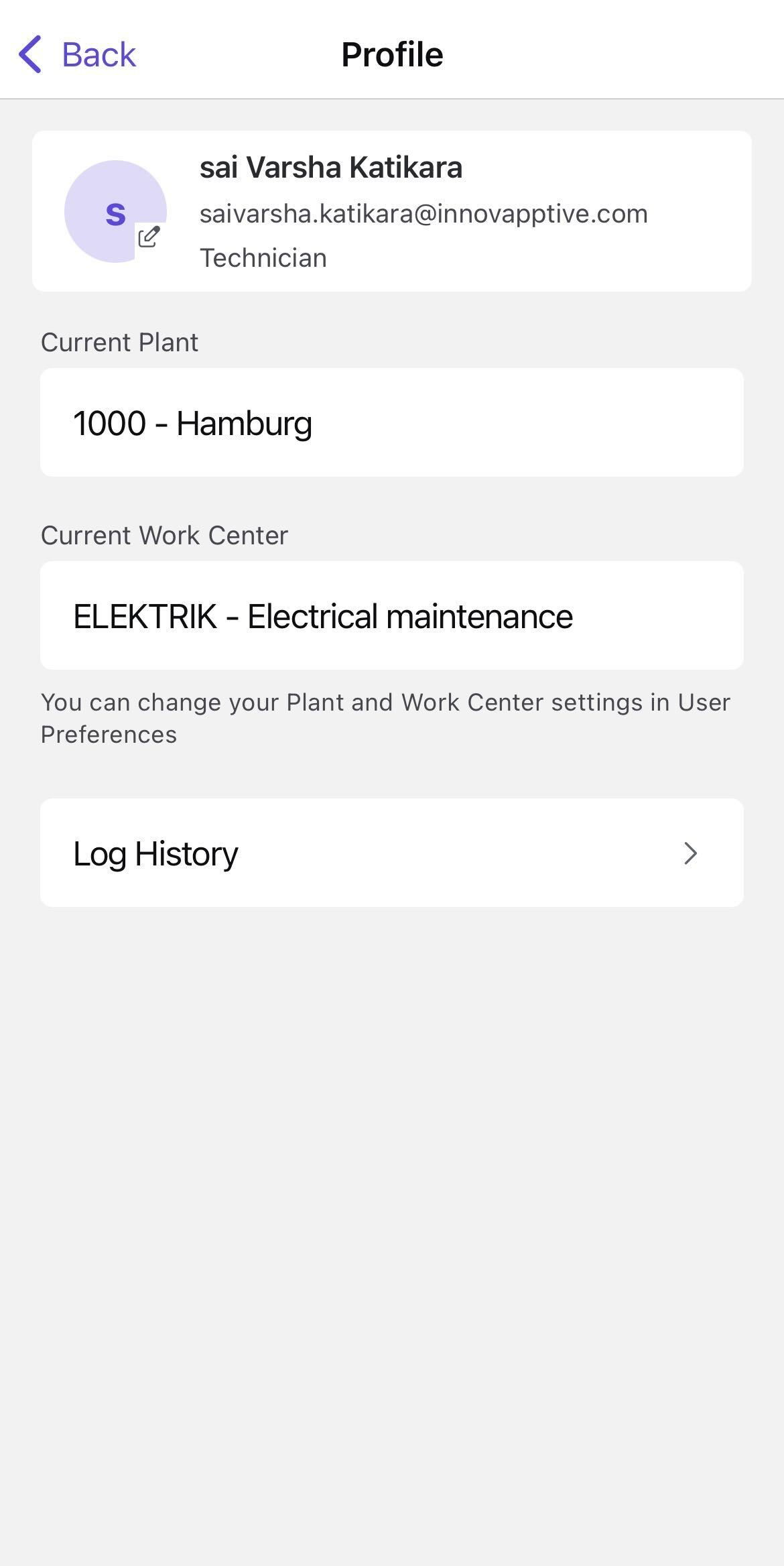
Figure 1. User Profile
Or
In the Home screen, tap the Profile icon on the top right corner.
The Profile screen shows the following details:
- Username
- Email ID
- Role
- Current Plant
- Current Work Center
- Log History
The current user, plant, work center, and available profile details are displayed.