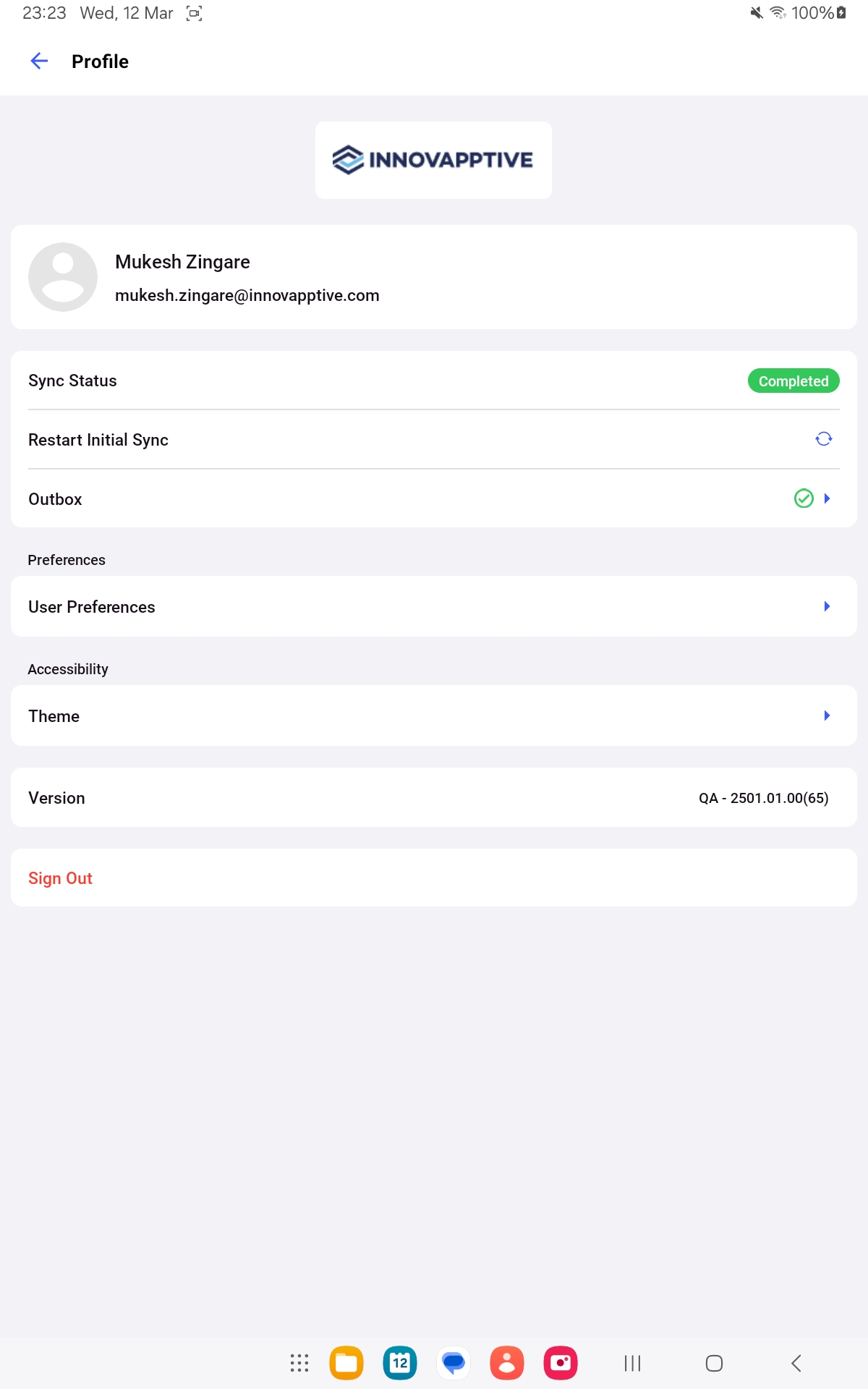
Open your User Profile to review account information and reach the preferences that control data synchronization and app behavior.
Sign in to the mRounds mobile application.
Use your profile settings to keep the app aligned with your plant, unit, position, shift, language, and preferred display. Set your work context and sync filters whenever your assignment changes. Change the theme or language at any time.

 icon on top
left.
icon on top
left.